

This Nipotop 4K dual dash cam review sorts the listed features by how often you will use them. Front and rear recording, night video, WDR and the collision sensor work on every drive. GPS, Wi-Fi and the screen help occasionally. Parking mode, rear-camera resolution and the included 64GB card need checking before you order.
Here is how the listed features sort:
Group | Features | Why |
|---|---|---|
Daily use | Dual-channel recording, Starlight night vision, WDR, collision sensor | They run on every drive without you touching them |
Occasional use | GPS, 5.8G Wi-Fi, 3-inch IPS screen | You use them when setting up, reviewing a clip or saving evidence |
Check first | 4K on both channels, 24-hour parking mode, free 64GB card | Each depends on details the listing may not spell out |
Does the Nipotop record 4K on both the front and rear cameras?
The listing advertises 4K, but you need to confirm whether that figure applies to both channels. On many front and rear dash cams, only the front camera records 4K and the rear records at a lower resolution. A lower rear resolution is not automatically a flaw, since the rear camera mostly needs to capture the car behind you and its plate. The problem comes when a buyer assumes two 4K channels and receives one.
Look for the resolution of each channel in the specification table, in the product images and in the manual if it is available for download. Also check the frame rate. Some cameras record at a lower frame rate in their highest resolution, or drop resolution when both channels run at once.
Two 4K streams also produce large files and more heat inside the camera. If the camera does record both channels at 4K, check how it handles a hot windshield in summer. Our piece on whether high temperatures can damage a dash cam battery covers the heat side of that question.
Will Starlight night vision and WDR help with headlights, tunnels and dark streets?
Both features help, but they solve different problems. Starlight is the marketing name for a low-light sensor setup, which aims to keep footage brighter and less grainy on dark roads. WDR (wide dynamic range) balances very bright and very dark areas in the same frame. That matters when you leave a tunnel, drive toward oncoming headlights or pass from shade into sun.
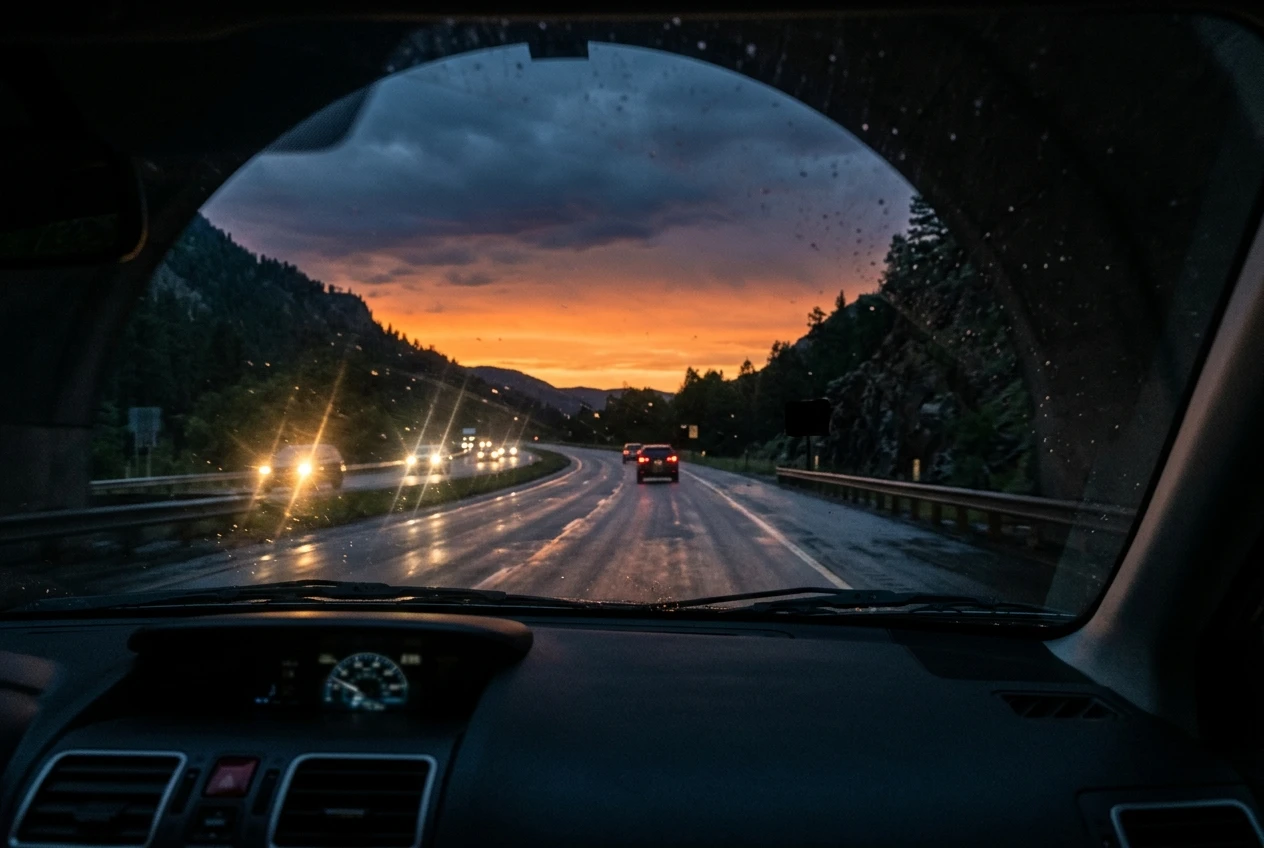
Neither feature lets the camera see beyond what the road lighting and your own headlights reach. On an unlit road, a plate at a distance can still be unreadable. Reflections from the dashboard on the windshield can also wash out the image, and a dirty windshield makes glare worse.
Judge the night claim from footage, not from the marketing line:
- Look for buyer-posted night clips where a plate is legible, not only the seller’s promotional video.
- Check whether the clip shows the front camera, the rear camera or both. The rear camera often has a smaller sensor.
- Watch what happens at a tunnel exit or under streetlights, where WDR is supposed to help.
What do built-in GPS, 5.8G Wi-Fi and the 3-inch IPS screen add day to day?
These three features make the camera easier to use, but none of them changes what it records. They matter most when you set up the camera and when you need to retrieve a clip.
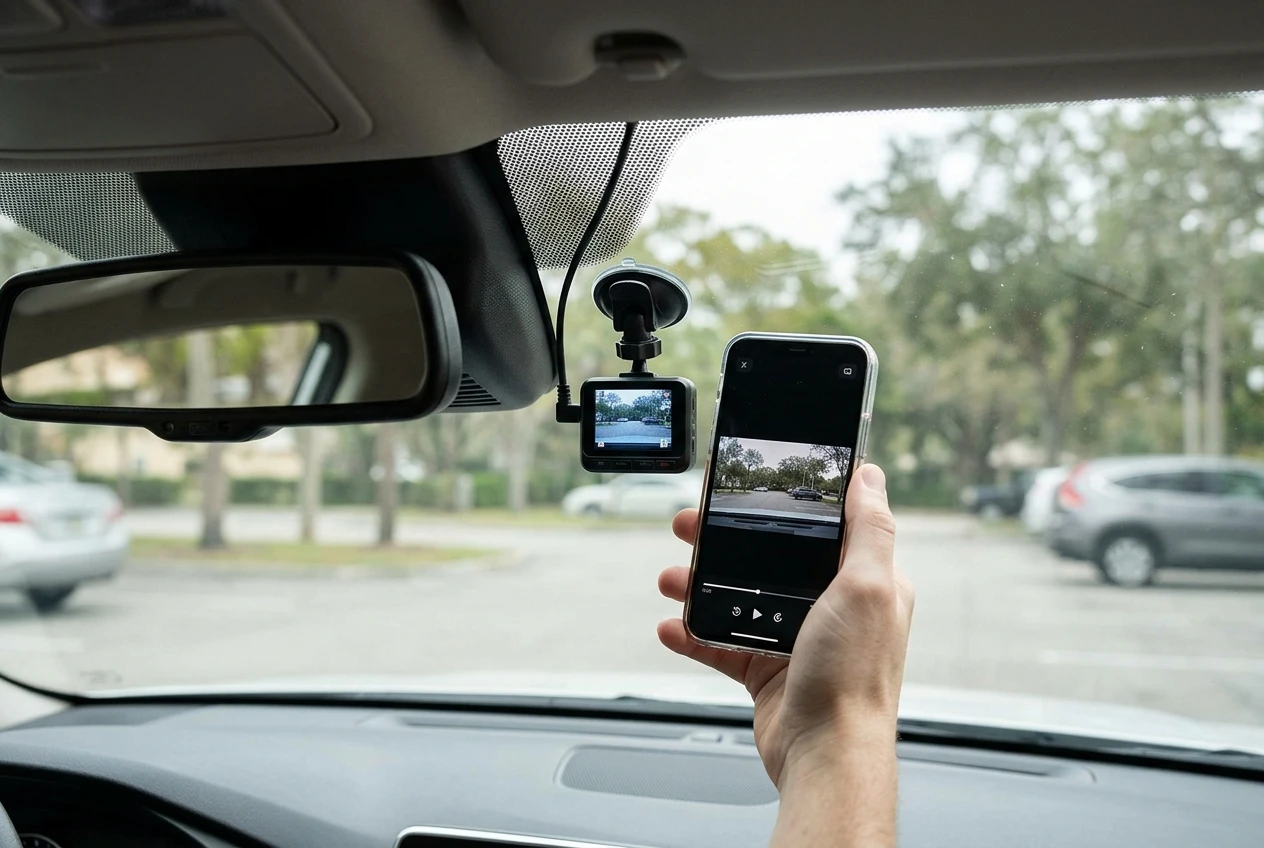
GPS adds location and, usually, speed to the footage. That can help when you need to show where an incident happened. Check whether the GPS is built in or comes as a separate antenna, and whether the speed stamp can be switched off if you would rather not show it on clips you share.
5.8G Wi-Fi lets your phone connect directly to the camera to view and copy clips. The 5GHz band generally transfers files faster than the 2.4GHz band, which matters when 4K clips are large. This is a direct connection between phone and camera, so you do not need an internet connection. Before buying, check that the companion app exists for your phone’s operating system and read what buyers say about how reliably it connects.
The 3-inch IPS screen is most useful when you aim the camera during installation and when you check that both channels are recording. IPS panels hold their colour better from an angle, which helps when the screen sits off to one side of the windshield. A 3-inch screen is small for reviewing footage in detail, so for serious review you will probably use the phone app or a computer.
How do the collision sensor and 24-hour parking mode work, and what do they need from your car?
The collision sensor protects clips from being overwritten, and the 24-hour parking mode needs a power setup that the camera does not provide on its own. The two features are often listed together, but they behave differently.
The collision sensor (also called a G-sensor) detects a sudden jolt and locks the current clip so loop recording does not erase it. Most cameras let you set its sensitivity. If it is set too high, potholes and speed bumps will lock clips and fill your card with protected files. Check that the Nipotop has an adjustable sensitivity setting.
Parking mode records while the car is off, so it needs a constant power feed. The usual options are a hardwire kit connected to the fuse box, an OBD power cable or a separate battery pack. Whether your car’s battery can support it depends on the car, its battery condition and the voltage cut-off the camera uses to stop before the battery runs too low. Our article on how dash cam parking mode works and whether your car battery can handle it goes through those questions in detail.
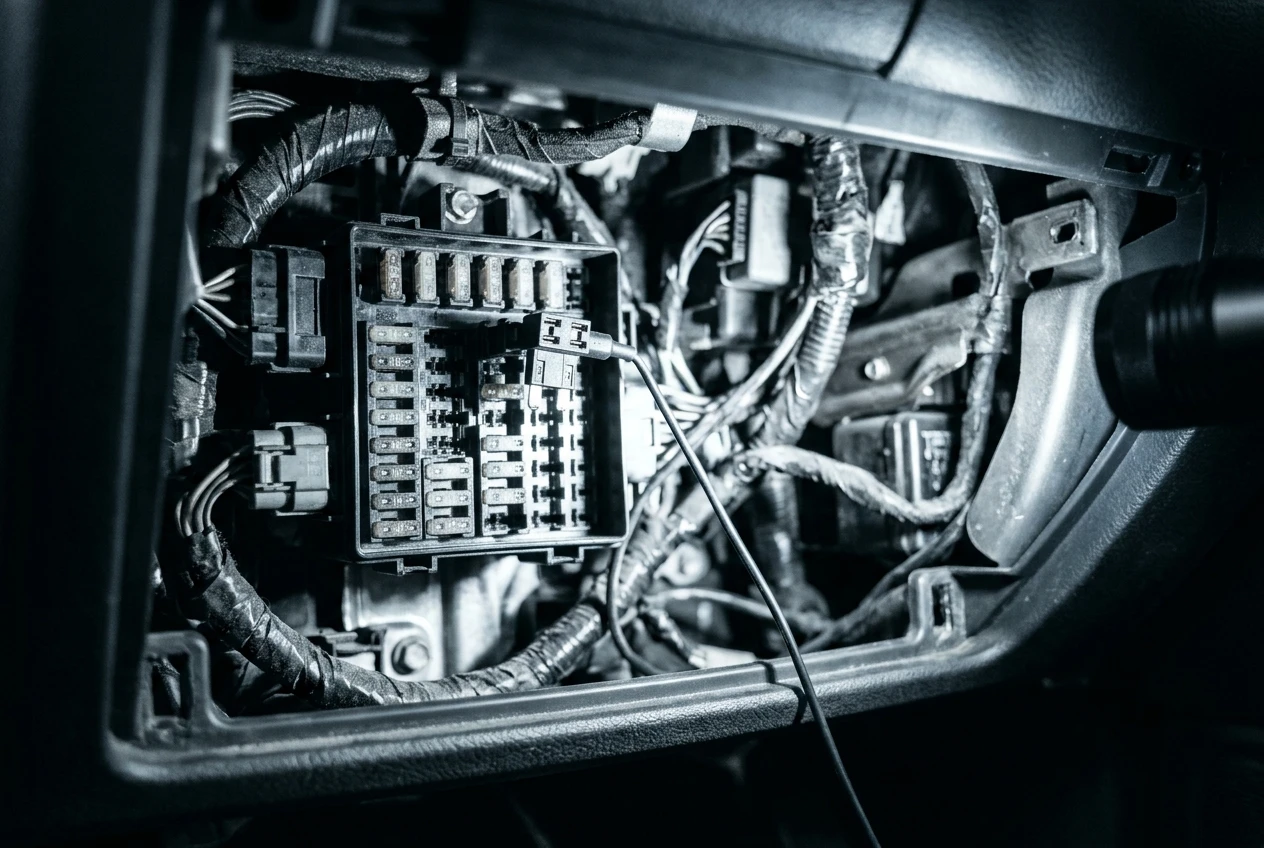
For the Nipotop specifically, confirm these points before relying on “24-hour” parking mode:
- Whether a hardwire kit is included or sold separately.
- How the camera records while parked: continuous, motion-triggered, impact-triggered or time-lapse.
- Whether it has a low-voltage cut-off and whether you can adjust it.
- Whether the rear camera records in parking mode or only the front.
Is the free 64GB card enough for dual-channel 4K recording?
A 64GB card will work, but it holds a limited amount of footage, and 4K from two channels fills it quickly. Loop recording overwrites the oldest clips automatically, so the card never has to be emptied by hand. The practical question is how far back the footage goes before it is overwritten, and whether locked clips from the collision sensor start crowding out regular recording.
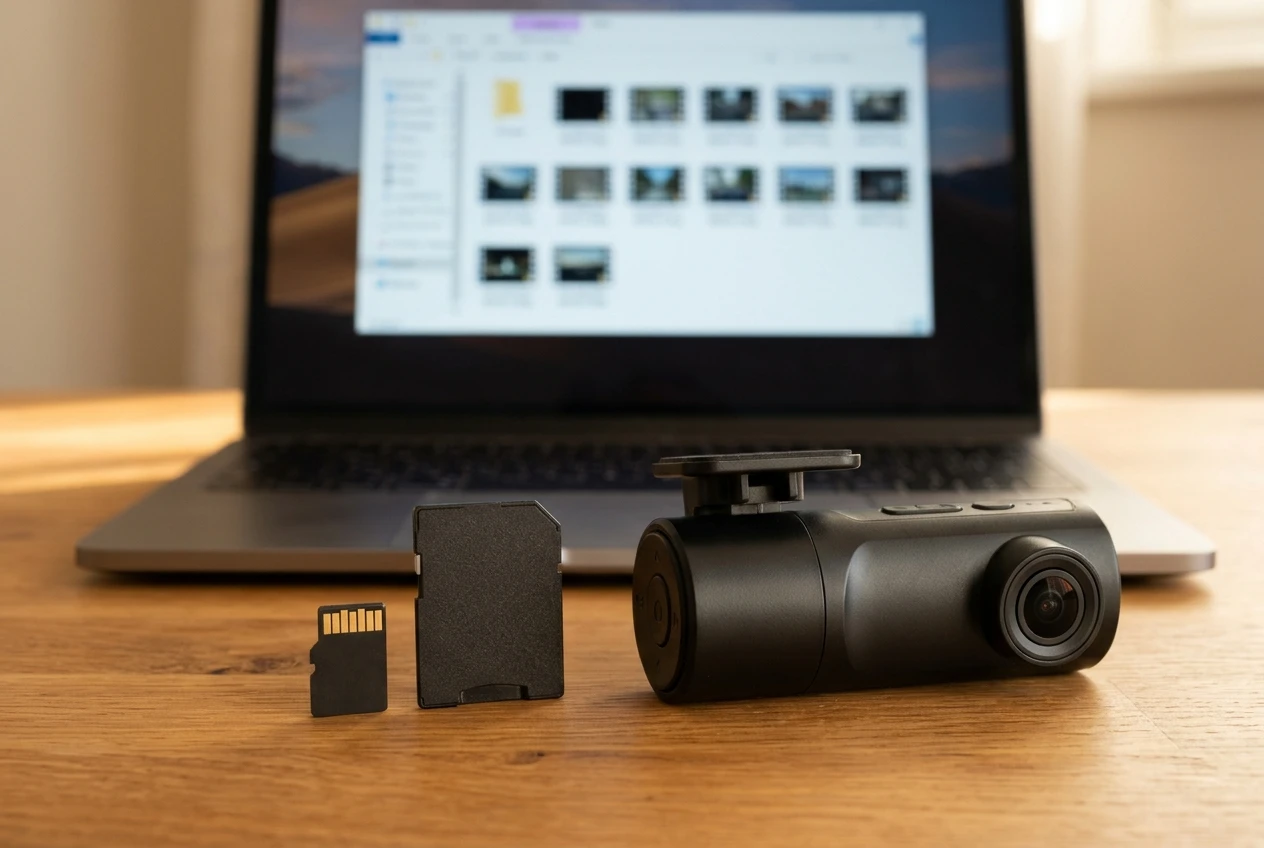
You can work this out yourself once the camera arrives. Drive for a few minutes, then look at the file sizes on the card. Divide the card’s usable capacity by the size of one minute of footage from both channels. A 64GB card has a little less than 64,000 MB usable, so if one minute of front and rear footage takes a given number of MB, divide 64,000 by that number to get a rough count of minutes.
Check these card details on the listing:
- The maximum card size the camera supports, in case you want to upgrade.
- Whether the included card is a high-endurance type, which is built for the constant rewriting a dash cam does.
- Whether the camera warns you when the card needs formatting or has stopped recording.
A free card is useful for getting started. If you drive a lot or use parking mode, plan to buy a larger high-endurance card.
Who should buy the Nipotop, and who should look at something else?
The Nipotop suits drivers who want front and rear coverage with a screen and phone connection, and who are prepared to confirm the details above. Its feature list covers most of what a daily driver needs. Whether it fits you depends on how you drive and park.
It is a reasonable candidate if:
- You want one camera for the front and rear without buying a second device.
- You drive in mixed light, including tunnels, evening commutes and unlit streets.
- You want to copy clips to your phone without removing the card.
You should look at other options if:
- You need 4K on the rear camera as well as the front, and the listing does not say so.
- You rely on parking mode and cannot confirm what power setup it requires.
- You want a cloud connection for remote viewing. Our piece on whether cloud dash cam subscription fees are worth it explains what that adds.
If you drive a long distance each day, weigh heat, storage and reliability alongside the feature list. Our guide to choosing a front and rear dash cam for commuters covers those points.
What should you check on the listing before you order?
Check the specification table, the questions section and the recent buyer reviews against this list. If any answer is missing, ask the seller before you order.
- Resolution per channel. Is the rear camera 4K, or a lower resolution?
- Frame rate. What is it in 4K, and does it change when both channels record?
- Night footage. Are there real buyer clips from both cameras after dark?
- GPS. Is it built in or an external antenna, and can the speed stamp be turned off?
- Phone app. Is it available for your phone, and do reviews report stable connections?
- Parking mode. What power cable or kit is needed, what is included and how does it record while parked?
- Collision sensor. Can you adjust its sensitivity?
- Memory card. What is the maximum supported size, and is the included card high-endurance?
- Rear camera cable. Is it long enough for your vehicle? A cable that is too short for an SUV or a van is a common problem with front and rear kits.
- Returns and warranty. What are the terms if the camera does not meet the listing?
Once you have answers, compare the Nipotop against other front and rear options in our sorted guide to the best dual-channel dash cams.