

The best front and rear dash cam for commuters is one built for repetition: a front camera with strong dynamic range for fixed-route glare, a rear camera with a dependable cable, a heat-tolerant power source, and a high-endurance memory card. Prioritise reliability over resolution, and check each spec against two hours of driving every day.
What makes a commute different from any other dash cam use?
A commute is the same drive repeated hundreds of times, so small weaknesses that never show up on a weekend trip become regular failures. If you drive to work five days a week, the camera starts up and shuts down roughly 500 times a year, and it records continuously for most of each trip.
That repetition puts stress on five parts of the system:
- Heat cycles: the cabin heats in the sun, cools overnight, and the camera goes through that swing every day.
- Loop recording: the card is overwritten constantly, so it wears faster than a card in a phone or a camera used for photos.
- Start-up reliability: the camera must power on and begin recording every time without you touching it.
- Rear cabling: a cable that is routed badly will eventually rub, loosen or pull out of its connector.
- Fixed-route glare: the sun sits at the same angle on the same stretch of road at the same time each day, so one bad lighting condition can ruin the same part of every recording.
Every spec below is judged against those five stresses. A feature that looks impressive on a product page but does not help with them matters less to you than it would to an occasional driver.
Which front camera features matter most on a daily drive?
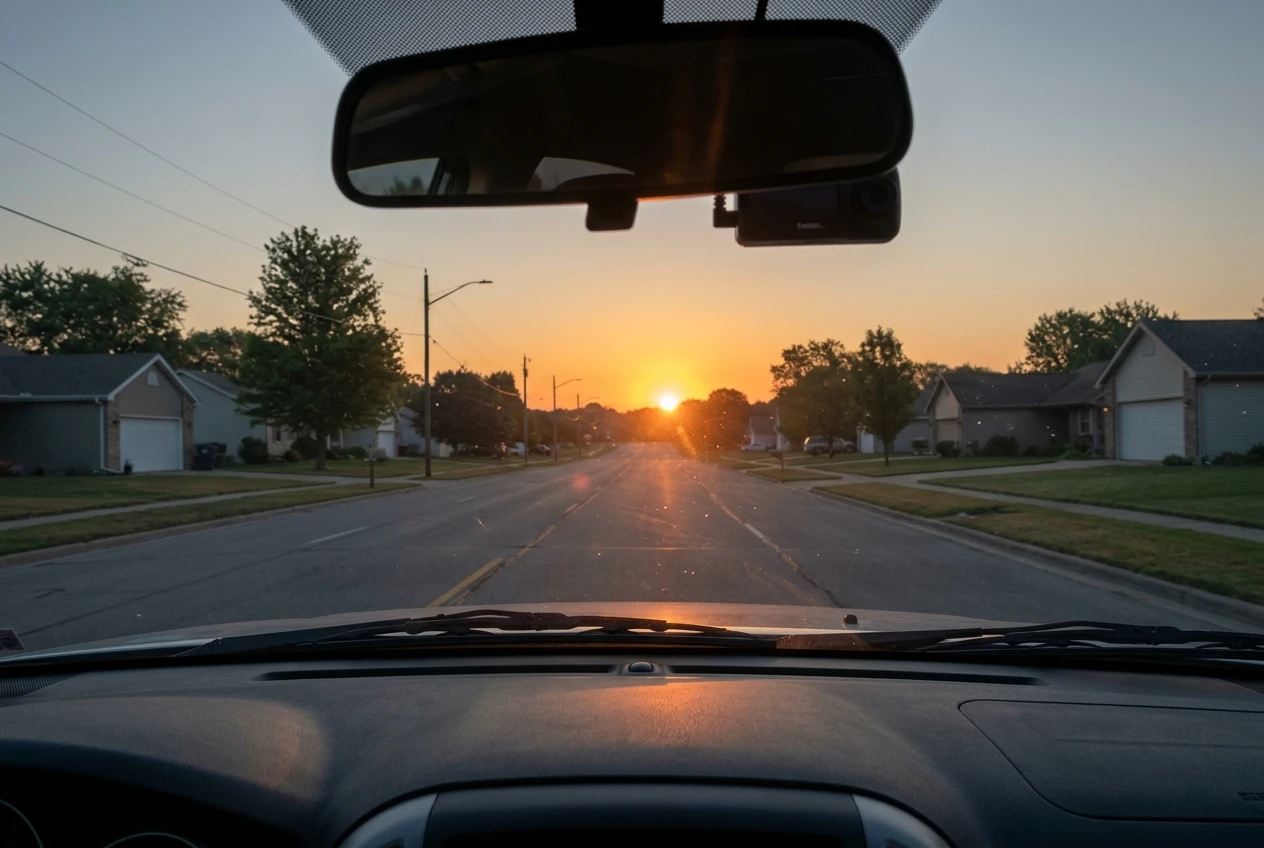
Dynamic range matters more than headline resolution, because your commute repeats the same lighting problems every day. Look for HDR or WDR processing, which balances bright sky against dark road, and check that the manufacturer describes how it handles low sun, tunnel exits and night driving.
Resolution still counts, but only to a point. Higher resolution gives more detail for reading plates, yet it also produces larger files, which fill the card faster and increase write load. A sharp, well-exposed recording at a sensible resolution is more useful than a very high resolution one that washes out in glare.
Check these features before anything else:
- Reliable auto start and stop: the camera should begin recording when the ignition turns on and save the file cleanly when it turns off.
- Adjustable G-sensor: on a rough road, an oversensitive sensor locks ordinary bumps as protected events, and those files are no longer overwritten.
- Adhesive mount: suction mounts can loosen as heat cycles repeat, and a camera that drops or tilts records the wrong view. An adhesive mount holds its position.
- Polarising filter compatibility: a circular polariser reduces reflections from the dashboard on the windshield, and some cameras accept one.
- Accurate time and date: a clock that resets after power loss makes footage harder to use as evidence.
Dealing with glare on a fixed route
If your route runs east in the morning or west in the evening, the low sun will hit the lens on the same stretch every day. Watch a few days of your own footage to find where it fails. A small shift in camera position, a dashboard cover that stops reflections, or a polariser often fixes it.
A clean windshield also helps, since a film on the inside glass scatters light toward the lens. Our guide on what to use to clean your windshield and dash cam covers products that will not damage the lens coating or the glass.
Does the rear camera need to match the front?
The rear camera does not need the same resolution as the front, but it does need the same reliability. Most rear incidents involve a vehicle close behind you, and at that distance a lower resolution can still capture a plate and the sequence of events. A rear camera that stops recording after a few months is worse than a modest one that keeps working.
The rear camera works in harder conditions than most people expect. It often sits behind tinted glass, which darkens the image at night, and the rear window can get hotter than the front in a parked car. Check whether the rear camera has its own operating temperature range, and whether the manufacturer says anything about low-light performance through tint.
Consider these points when comparing rear cameras:
- Cable length for your vehicle: a sedan needs less cable than an SUV or a hatchback, and a long vehicle may need an extension.
- Connector type: a locking connector stays seated through vibration better than a friction fit.
- Frame rate and recording quality: a rear channel that drops frames in low light leaves gaps in the sequence you need.
- Mount: adhesive again holds up better against heat and vibration than suction.
Matching the two cameras matters less than making sure neither one is the weak point in the system.
How do heat and constant recording wear a dash cam over a year of commuting?
Heat wears the power source and the adhesive, and constant recording wears the memory card. These are the parts most likely to fail over a year of daily use, and each one has a different fix.
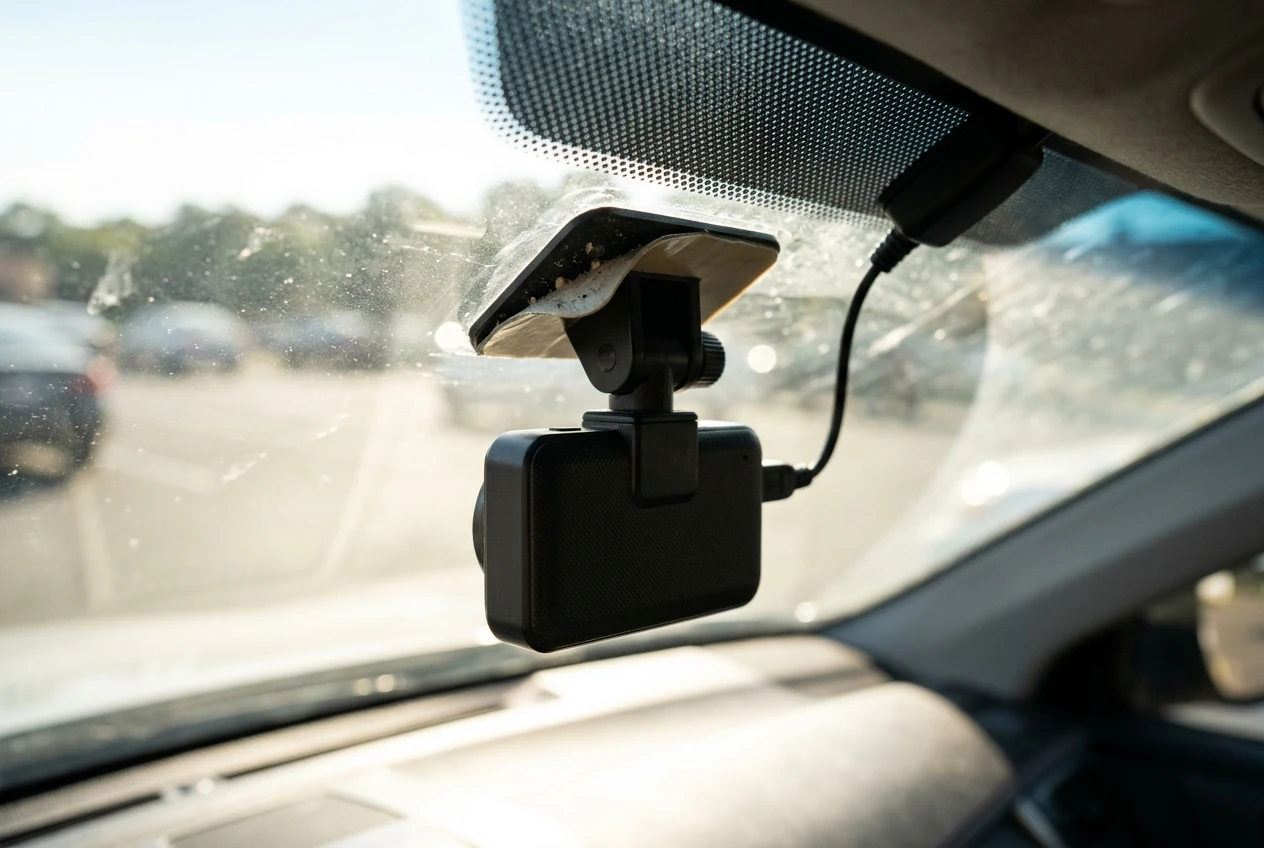
The power source is the first consideration. Cameras that use a lithium-ion battery tend to be more sensitive to heat than those that use a supercapacitor, because lithium cells degrade faster when a parked car gets very hot. Our article on whether high temperatures can damage a dash cam battery explains the difference in detail. For a commuter who parks outdoors in summer, a supercapacitor model is usually the safer choice.
Daily temperature swings also affect the physical parts. Adhesive can soften and release, plastic housings can warp slightly, and connectors can work loose. You cannot prevent all of this, but you can reduce it:
- Choose a camera whose stated operating and storage temperature range covers the conditions inside your parked car.
- Use a sunshade or park in shade when you can.
- Check the mount and cable connections every month or two.
- Replace the adhesive pad if it looks dry or no longer grips.
Constant recording is the second source of wear. The card is rewritten many times each week, and it is the component that gets replaced most often in a commuter’s setup.
Which memory card and storage settings keep a commuter’s footage safe?
A high-endurance microSD card, matched to the camera’s maximum supported capacity and replaced on a schedule, is the safest choice for a commuter. High-endurance cards are made for continuous recording, and ordinary cards are not designed for that constant rewriting.
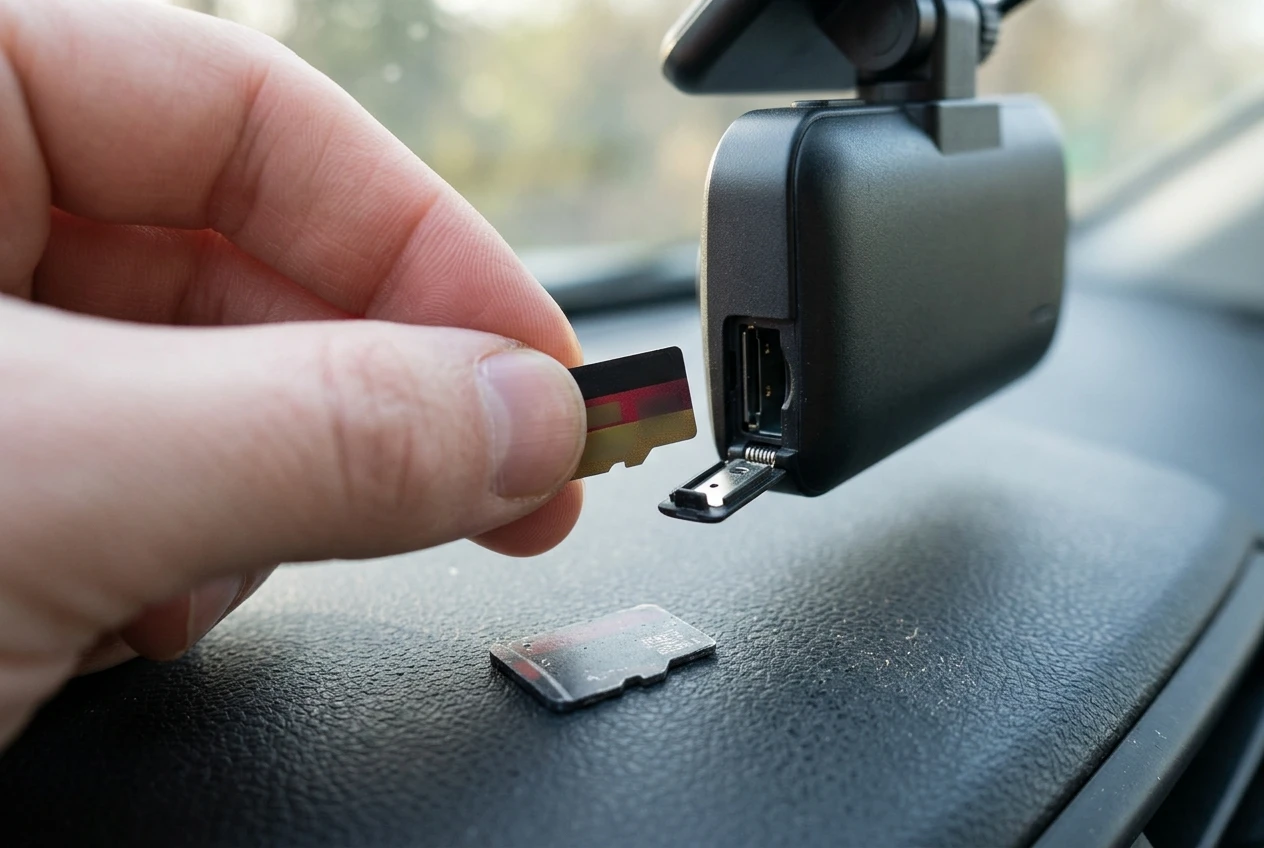
Capacity matters for two reasons. A front and rear system writes two video streams at once, so a larger card holds more hours before it begins overwriting. A larger card also spreads the writing across more memory cells. Confirm the largest card size your camera supports in its manual before you buy.
Settings protect footage as much as hardware does. Our guide on maximizing dash cam storage has more detail, and these are the ones that matter most for a commuter:
- Lower the G-sensor sensitivity if rough roads keep locking files, so protected events do not crowd out normal loop recording.
- Format the card in the camera on the schedule the manufacturer recommends, which clears errors and fragmented files.
- Turn off features you do not use, such as parking mode, so the card is not writing when you are away from the car.
- Play back a recent clip every few weeks to confirm both channels are actually saving.
Treat the card as a consumable. Replacing it once a year, or sooner if the camera reports card errors, costs far less than discovering the card failed on the day you needed the footage.
How should you wire a front and rear system for a daily driver?
Hardwiring the system to the fuse box gives a commuter the most reliable power, and a tidy rear cable run prevents most connection problems. A 12V socket adapter works, but it can loosen on rough roads and it takes up the socket you might need for a phone.
A hardwire kit powers the camera from the fuse box and usually includes a low-voltage cutoff that protects your car battery. The trade-offs are covered in our piece on the pros and cons of dash cam hardwire kits. If you are not comfortable working with fuses, a professional install is worth the cost, since a daily driver depends on the wiring every day.
The rear cable is the part that needs the most care. A typical route follows this sequence:
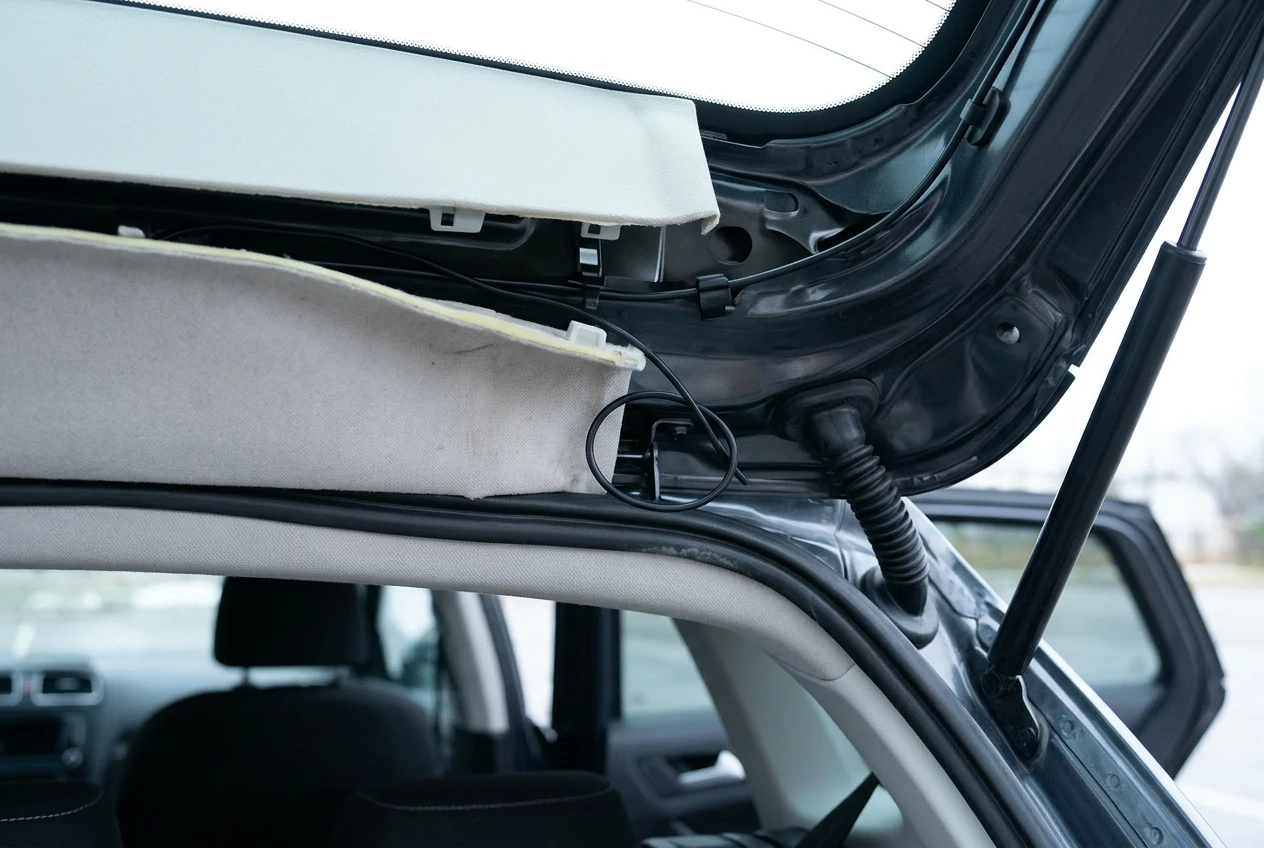
- Mount the front camera and decide where the rear camera will sit on the back glass.
- Run the cable along the roof lining from the front toward the rear.
- Tuck it behind the trim down the A-pillar, keeping it clear of any airbag, and behind the door seal at the pillar nearest the rear.
- Pass it through the rubber boot or grommet at the tailgate or trunk lid, leaving slack so the movement of the door does not pull on it.
- Secure loose sections with cable clips so nothing rattles or rubs.
Leave a small loop of slack near each connector, because tension on a plug is a common cause of intermittent failures. Our guide on how to hide dash cam wires shows how to finish the run so it looks factory fitted.
What should you prioritise for a short, long or highway commute?
The right priorities depend on how much time the camera spends running and in what conditions. A short commute puts less continuous load on the card, a long one puts more heat and wear on every component, and a highway-heavy commute raises the importance of image quality at speed.
Priority | Short commute | Long commute | Highway-heavy commute |
|---|---|---|---|
Front camera | Good all-round image and an easy mount | Strong dynamic range for repeated glare conditions | Sharp image at speed and clear plate capture at distance |
Rear camera | Reliable recording is enough | Heat tolerance and a secure cable connection | Good low-light performance for vehicles following closely |
Power source | Either type is workable, and a socket adapter can suffice | Supercapacitor and a hardwire kit | Hardwire kit with steady power at sustained speeds |
Memory card | High-endurance card and a regular format | Largest supported high-endurance card and a replacement schedule | Large card, since high bitrates fill it faster |
Settings | Default settings are usually fine | Adjust G-sensor and format on a schedule | Check that event files lock reliably at speed |
Biggest risk | Neglecting card checks | Heat and card wear | Missing detail in fast-moving footage |
If you are unsure which category you fall into, count the hours: a commute of around two hours a day belongs in the long column, and any stretch of sustained fast driving adds the highway priorities on top.
Where can you compare specific front and rear models next?
Once you know which specs matter for your commute, the next step is comparing real models against that checklist. Our roundup of the best dual channel dash cams, sorted by how you park and drive lists specific front and rear models grouped by use, so you can check each one against the priorities in the table above.
Take the checklist with you when you read the product pages. Look for the operating temperature range, the power source, the maximum card size, the rear cable length and the mount type, and rule out any model that does not state them.