

A cloud dash cam subscription is worth it if you park on the street or in a shared lot and want to be alerted, view the camera, and keep footage off the device after a hit-and-run or break-in. If you park in a locked private garage, a memory-card dash cam covers most needs without a monthly fee.
Whether a cloud dash cam subscription is worth it depends on three things: how often your car sits unattended in a place where strangers can reach it, how reliable the connection is where you park, and whether your car’s power setup can run the camera around the clock. This article weighs each of those against the recurring fee.
What does a cloud dash cam subscription actually pay for?
A subscription pays for a service that runs alongside the camera: a data connection, server storage, and the app that talks to both. The camera records the same way a standard model does. The plan adds features that only work while the camera is online.
Most plans bundle some mix of these:
- Remote viewing: a live or near-live look through the camera from your phone.
- Parked-car alerts: a notification when the camera detects an impact or motion while the car is off.
- Automatic backup: clips flagged by an impact sensor upload to the provider’s servers, so they exist somewhere other than the car.
- The connection itself: on models with built-in cellular, the fee often covers the data plan the camera uses to reach the internet.
Plans differ in what they include and how long they keep footage, so read the tier details before you compare prices. Features one brand includes free can sit behind a higher tier at another.
Is remote viewing useful, or just reassuring?
Remote viewing is useful when you can act on what you see, and mostly reassurance when you cannot. A live view of your parked car tells you something happened. It does not stop it, and you may be at work or asleep when the alert arrives.
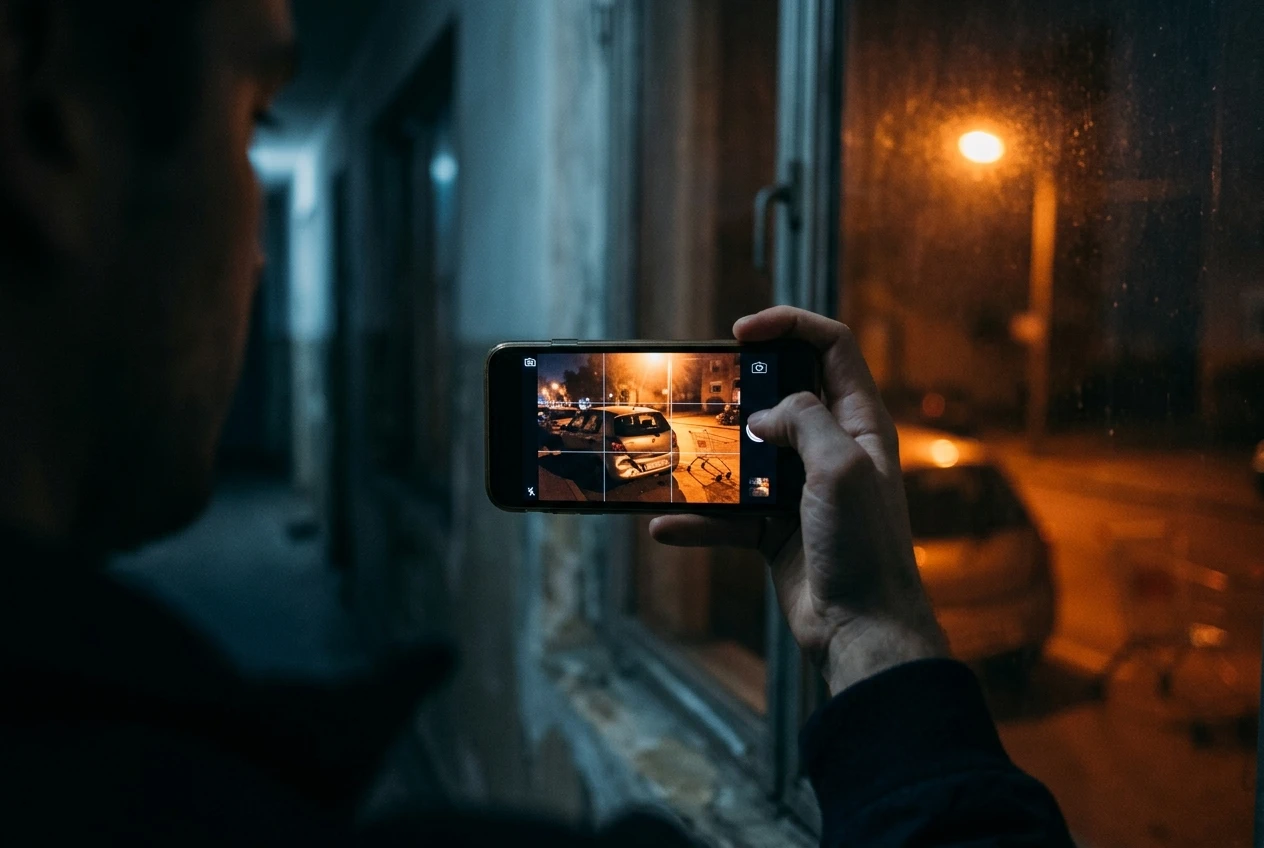
It earns its place in a few situations:
- You park on a street and want to know quickly whether a bump was a parked car being clipped or a passing cart.
- You park in a shared lot where you could walk out and speak to the person or report it to the lot’s management while they are still there.
- You want to check that the camera is recording and powered without walking out to the car.
The last point is easy to overlook. A camera that quietly stopped recording because its power failed or its card errored out is a risk you only discover after an incident. A status check from your phone catches that.
Remote viewing adds little if you are rarely away from the car, or if you would not respond to an alert anyway. In that case you are paying to find out about an incident a few hours earlier than you otherwise would.
What does a cloud dash cam need to stay connected?
A cloud dash cam needs a working internet link and constant power, and a weakness in either one turns the subscription into a payment for features that do not run. The connection comes in two main forms.
Connection type | How it works | What to check |
|---|---|---|
Built-in cellular | The camera has its own SIM or data plan and connects anywhere with coverage | Signal strength where you park, such as underground levels or a garage’s lower floors |
Wi-Fi to a hotspot | The camera joins your phone’s hotspot or a nearby network | The phone must be nearby and the hotspot on, which rules out a car parked overnight far from you |
Cellular models suit street parking because they do not depend on your phone. Their weakness is coverage: a camera in a concrete parking structure with poor signal cannot send alerts or upload clips, and you will not know until you need them. Check your signal in your actual parking spot before you commit to a plan.
Wi-Fi models are cheaper to run but only connect when a network is in range. If your car is parked outside your home and your home Wi-Fi reaches it, that can work. If it is parked three streets away, it cannot.
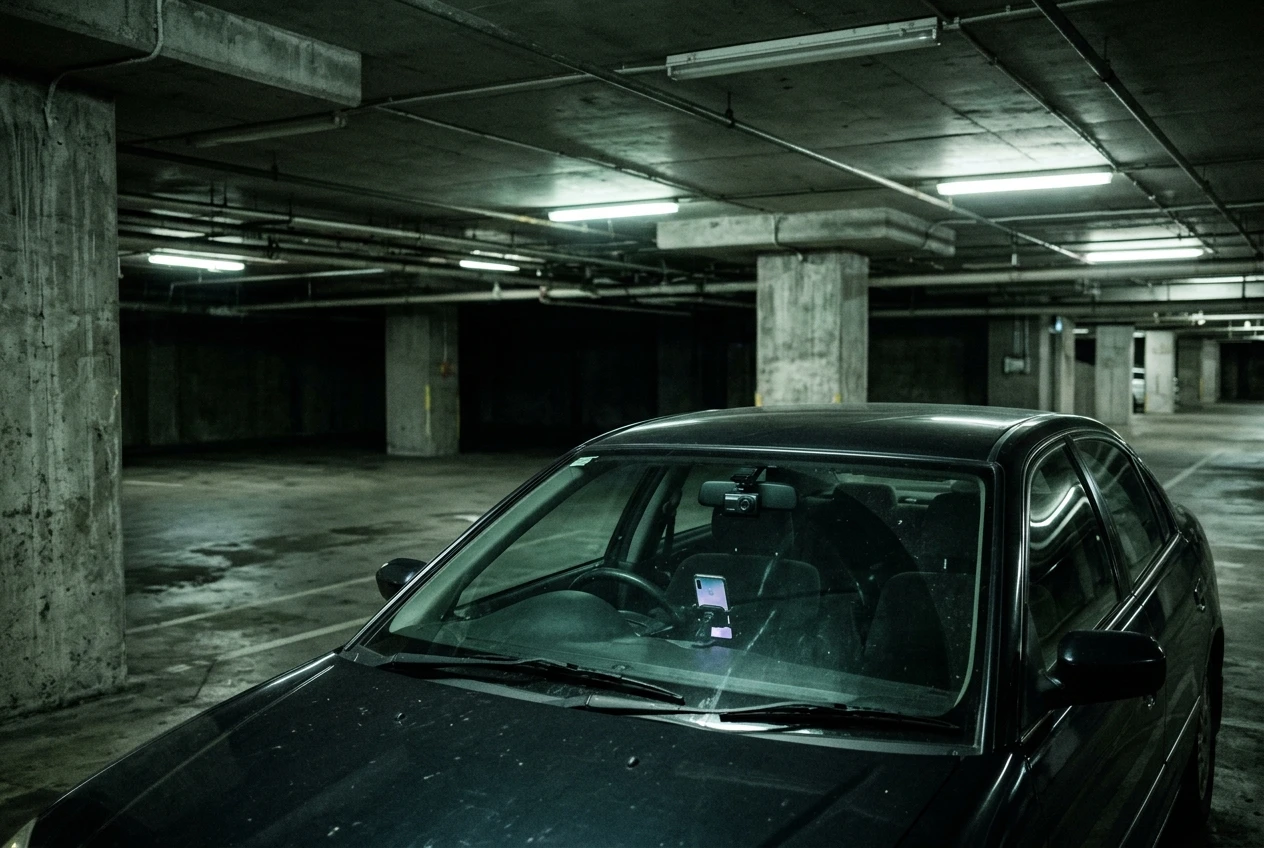
Power matters just as much. A camera that watches the car while it is parked needs power while the engine is off, which usually means a hardwire kit or a dedicated battery pack. The pros and cons of dash cam hardwire kits cover that install in detail, and our dash cam battery drain guide covers what continuous draw does to a car battery. Cloud features raise that draw, because the connection uses power on top of recording.
How does a cloud dash cam compare with a memory-card model?
A memory-card dash cam records to a card in the car and costs nothing after purchase, while a cloud model adds alerts and off-device storage for a recurring fee. The recording quality does not depend on the cloud, so the comparison is about what happens around the recording.
Factor | Memory-card model | Cloud model |
|---|---|---|
Ongoing cost | None beyond replacing the card now and then | Monthly or annual plan |
Footage location | Only on the card in the car | Card plus uploaded clips on a server |
Alerts when parked | Usually none | Impact or motion notifications |
Remote check | Not possible | Possible through the app |
Needs connection | No | Yes, cellular or Wi-Fi |
Needs constant power | Only for parking recording | Yes, for any cloud feature |
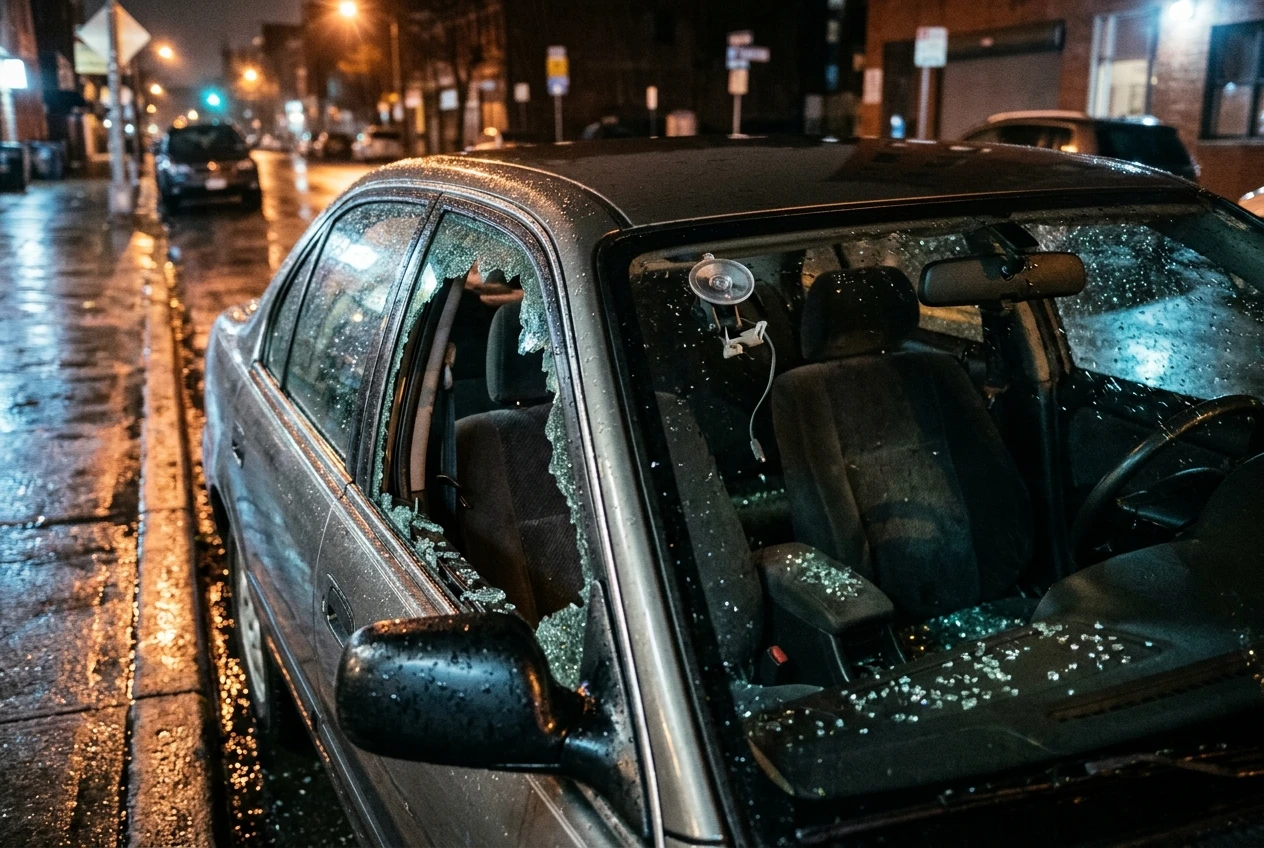
The backup row is the one that matters most for theft and vandalism. If someone breaks into the car and takes the camera or the card, a memory-card setup loses the footage of the break-in along with the device. A cloud model may already have uploaded the clip that was triggered by the impact. That is the one scenario where the two types differ in outcome rather than convenience.
For ordinary collision evidence while driving, both types do the same job. The footage sits on the card, you pull it after the incident, and the cloud adds nothing. If that is your main use, see our notes on maximizing dash cam storage to get more from a card.
Which hidden costs add up beyond the monthly fee?
The monthly fee is the visible cost, but the camera needs several other things before the plan does anything. Add these to your estimate before comparing against a memory-card model.
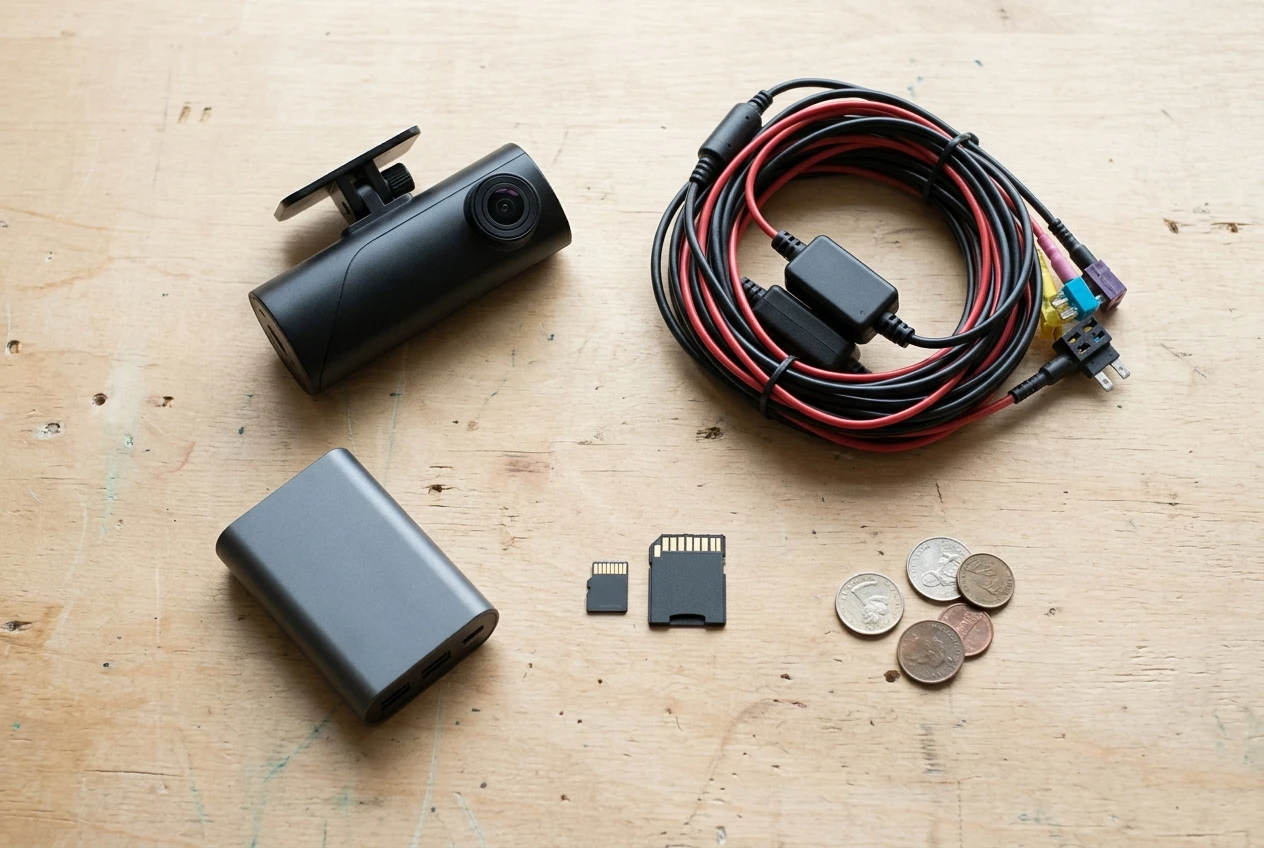
- Hardwire kit or battery pack. Parked monitoring needs power with the engine off. A hardwire kit costs money, and so does a professional fitter if you do not install it yourself. Our guide to DIY or professional dash cam installation lays out that choice.
- A higher-priced camera. Cloud-capable models generally cost more than similar memory-card cameras, because the connectivity hardware is built in.
- A higher plan tier. If you want more cameras, longer storage, or more uploaded clips, the plan that includes them may cost more than the entry plan.
- A memory card anyway. Most cloud cameras still record to a card, since uploading continuous video over cellular is impractical. You still need a card suited to constant rewriting.
- Battery protection. If your car is driven rarely, a battery that is constantly drawn on may need a maintainer or a dedicated power pack to avoid a flat battery.
- Price changes. Subscription prices can rise after you buy, and a camera that depends on the plan cannot easily be switched to another provider.
Over several years, the plan can cost more than the camera. Multiply the fee by the number of years you expect to keep the car and add it to the purchase price. That total is the real figure to compare against a memory-card camera.
What happens to your footage if you stop paying?
When you stop paying, the cloud features end, and what happens to stored clips depends on the provider’s terms. This varies by brand, so confirm it before you buy rather than after you cancel.
Questions to answer from the provider’s terms:
- Are uploaded clips deleted, and how soon? Some providers delete stored footage shortly after a plan lapses. Download anything you need before cancelling.
- Does the camera still record locally? On many models it keeps recording to the card, so you keep a basic dash cam. Confirm this, because some cameras lose features beyond the cloud ones.
- Does the camera still work as a normal camera without the app features? If core functions depend on the account, the hardware loses value fast.
- What happens if the company stops supporting the product? A camera that depends on a server is only useful while that server runs.
A camera that still records to its card after the plan ends is a much safer purchase than one that becomes unusable. That difference is worth checking before you pay for the first month.
Who should pay for cloud features, and who can skip them?
Pay for the cloud when your car is exposed and you can respond to what you learn. Skip it when the car is sheltered, or when the connection or the power setup will not support it. A decision by parking situation is the most reliable way to choose.
How and where you park | Suggested choice | Reason |
|---|---|---|
Street parking overnight, in an area with break-ins or hit-and-runs | Cloud, with built-in cellular | Alerts and off-device backup address the exact risks |
Shared lot or apartment complex with many drivers | Cloud, if signal is good | Alerts let you act while the other party may still be nearby |
Underground or poorly covered garage | Memory card | Weak signal means alerts and uploads fail |
Locked private garage or driveway at home | Memory card | The car is rarely exposed, so the fee buys little |
Car driven daily and parked only at work during the day | Memory card, parking mode optional | Short stops carry less risk, and a battery is recharged often |
Car left unused for days at a time | Memory card, or cloud with a dedicated power pack | Constant draw on a rarely driven battery risks a flat battery |
A short rule covers most cases. If you park somewhere strangers can reach, have a signal strong enough to receive alerts, and have a power setup that can run the camera, the subscription buys something real. If any one of the three is missing, the fee pays for features that cannot work reliably, and a memory-card camera is the better purchase.
Before you decide, test the one thing you can check for free: stand where you normally park and look at your phone’s signal. Then confirm whether the camera can be powered with the engine off. Those two answers settle most of the question.
Read our guide to dash cam parking mode next to check whether your car battery can handle an always-on cloud dash cam.