

Dash Cam Battery Drain: What the Guidance Says About Causes, Fixes and Prevention.
Dash cams keep a constant watch on the road, and that watch depends on a steady supply of power. When the power side goes wrong, the camera may not be working at the moment you need footage most. This guide gathers the tips, fixes and preventive steps found in dash cam advice, so you can keep your camera running without flattening the car battery. It also flags where the guidance is solid and where it is thinner.
Why a Dash Cam Can Drain Your Car Battery, and Two Warning Signs
Powering a dash cam looks simple: plug it in and drive. The complication is that dash cams can keep recording after the vehicle is switched off, and that ongoing draw is where battery drain starts. If your car battery seems to be losing charge for no obvious reason, the dash cam is a likely suspect.
Two warning signs are common. The first is the dash cam shutting off in the middle of a recording. The second is the car having a hard time starting. Either one is a good prompt to check your setup before a dead battery or a missing clip forces the issue.
Takeaway: a camera that cuts out mid-recording or a car that starts sluggishly are the early signals worth acting on.
Parking Settings, Budget Hardware and Weather Top the List of Causes
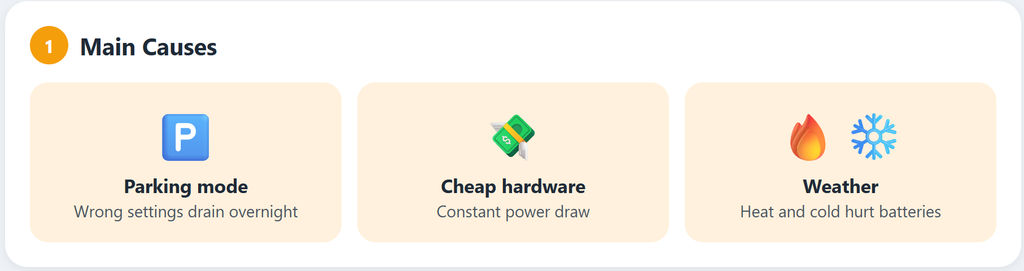
The first cause is the camera running while the car is parked and switched off. Like lights left on in an empty house, it eventually uses up the supply. Many dash cams include a parking mode (a setting that records only when something happens around the parked car) and similar options, but if those settings are wrong, the camera can drain the battery overnight.
Hardware quality is the second cause. A lower-quality battery or a budget dash cam that is not up to the job may eat up power constantly, so the money saved at checkout can cost more later.
Weather is the third. Summer heat and hard winter cold both affect battery performance, and electronics in general cope poorly with those conditions. Cameras exposed to harsh environments tend to show battery problems more often.
Takeaway: start troubleshooting with your parking settings. If those look right, check the quality of your hardware and the heat or cold the camera faces.
Settings and Setup Changes That Cut Power Use
A smart first move is motion detection or a dedicated parking mode. With either one turned on, the camera sits in standby and wakes up to record only when something moves, which keeps the battery load low while the car is parked.
If the current battery is not keeping up, the usual advice is to upgrade. High-capacity batteries or external battery packs provide extra power and act as a backup, taking over so the car battery gets a break.
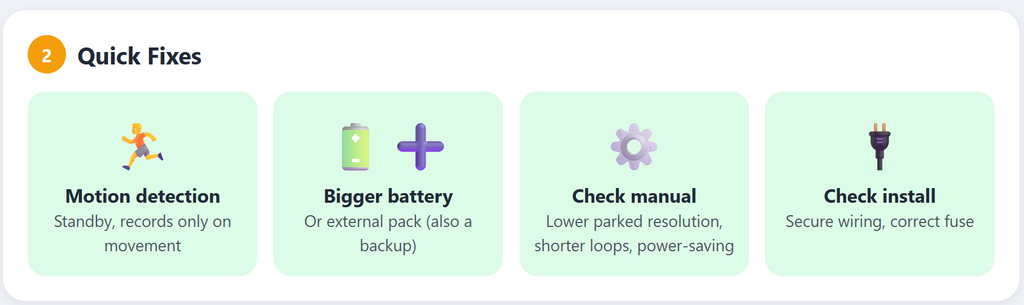
Your camera’s own settings are worth exploring. The manual may list options to lower the resolution while parked, change the loop recording length, or adjust power-saving modes. Loop recording means the camera records continuously and writes over the oldest footage when the memory card fills. These are small changes, but they can make a noticeable difference.
A quick check of the installation can also help. Make sure the wiring is secure and that the fuse you are using supports the camera’s power needs. A fuse is a small safety part that cuts the circuit if too much current flows through it.
Takeaway: switch on parking mode or motion detection first. Then work through the settings in your manual and confirm the wiring and fuse are sound, keeping a bigger battery or external pack in reserve if the drain continues.
Also see:
- The top dash cam brands on the market: A Comprehensive Guide
- Do dash cams record when the car is off
What to Look for When Buying a Dash Cam That Is Easy on Power
Picking a dash cam with efficient power management is a bit like picking a travel companion: you want something reliable that does not use up your resources. When shopping, favor models with built-in power efficiency features.
One term to look for is supercapacitor. This is a power-storage component used in place of a traditional battery. Supercapacitors handle extreme temperatures better and have a longer life, which ties directly to the weather problem above.
Some models also come with power cut-off settings. These stop the camera drawing power once the car shuts down, protecting the car battery while the vehicle is off.
Certain brands have a solid reputation for efficient power management. Viofo, Thinkware and Garmin generally do well in this area. Comparing models across these brands can show which features suit your needs without the camera being a heavy power user.
Adjustable G-sensors are another feature to favor. A G-sensor detects motion or impact and tells the camera when to start recording, so it avoids capturing unnecessary footage and wasting power.
Reading reviews and recommendations before buying is the final step. The online dash cam community is knowledgeable, and its views on efficiency are worth checking.
Takeaway: a supercapacitor, power cut-off and an adjustable G-sensor are the features for your checklist. The brand reputation point comes without specific test figures, so owner reviews are the best way to confirm it for a particular model.
Regular Checks That Catch Power Problems Early
A little regular maintenance helps prevent power problems, much as keeping a bike well oiled keeps it running smoothly.
Routine inspections spot issues before they grow. If the camera starts shutting down at random or fails to record, give it a closer look. Nobody wants to discover the camera was not working after they needed it.
Old batteries that no longer hold charge as they used to are worth replacing. Like swapping toothbrush heads, it keeps things running efficiently, and it is better done before they give out completely.
Clean lenses and ports matter too. Dust and grime can get in and may cause power or recording glitches. A soft cloth or a small can of compressed air (an air duster) keeps everything in good shape.
If problems keep returning despite all this, check the wiring. Loose or frayed cables can cut off the power supply, and an occasional inspection can prevent sudden shutdowns.
Takeaway: random shutdowns are the cue to inspect, and replacing tired batteries early saves trouble. Clean ports and sound cables cover most of what is left.
Where to get Help: Dash Cam Forums, Technicians and Tutorials
Online forums dedicated to dash cams are a rich source of practical knowledge. Users post their solutions and their mishaps, and many threads involve owners helping each other with the same kind of battery drain problem. Joining in can turn up tested tips you might not come across otherwise.
When do-it-yourself fixes do not solve the problem, the guidance is to call in a professional. A technician can diagnose your particular setup and offer a solution suited to it. That costs some money, but it is often worth it for the peace of mind of traveling with a setup you can trust.
Tutorials and reviews online are also useful. Video guides and written how-tos can help you understand your own camera and pick up new maintenance and efficiency tips.
Takeaway: forums and tutorials are the place to start, with a technician as the next step once the simple fixes run out.
Have you had battery drain problems with your dash cam? Drop a comment and let us know what happened and what you did to fix it.