

In a BlackVue vs Nextbase comparison on durability alone, the model matters more than the brand. Check three things on each spec sheet: whether the camera stores backup power in a supercapacitor or a lithium battery, how the app and firmware updates work, and what the warranty covers. Heat and memory card handling cause most long-term failures.
What does reliability actually mean for a dash cam?
Let’s talk about that for a minute. A reliable dash cam records every drive, saves the right clip when something happens, and keeps doing both, years after installation. That is a harder standard than image quality, and it is the one a premium price should buy.
When it comes to reliability, we can break it down into five parts, and any one of them can fail on its own:
- Hardware that survives heat. A windshield in a parked car in summer is one of the harshest places for electronics.
- A stable connection to your phone. If the app will not connect, reviewing and saving footage becomes a chore you stop doing.
- Firmware that gets maintained. Bugs found after launch only get fixed if the manufacturer keeps releasing updates.
- Memory card handling. The camera overwrites its card constantly, and cards wear out.
- Support and warranty. When something does fail, the terms decide whether you pay for it.
Feature lists say little about any of these. Wi-Fi, GPS and 4K resolution are the same selling points on nearly every premium camera. The comparison below looks only at what keeps a camera working.
One limit on what follows: this article does not report bench tests or long-term ownership of either brand. Specs, warranty terms and software support differ by model and region and change over time, so confirm each point on the manufacturer’s current page for the exact camera you are considering.
How do BlackVue and Nextbase compare on build quality and heat tolerance?
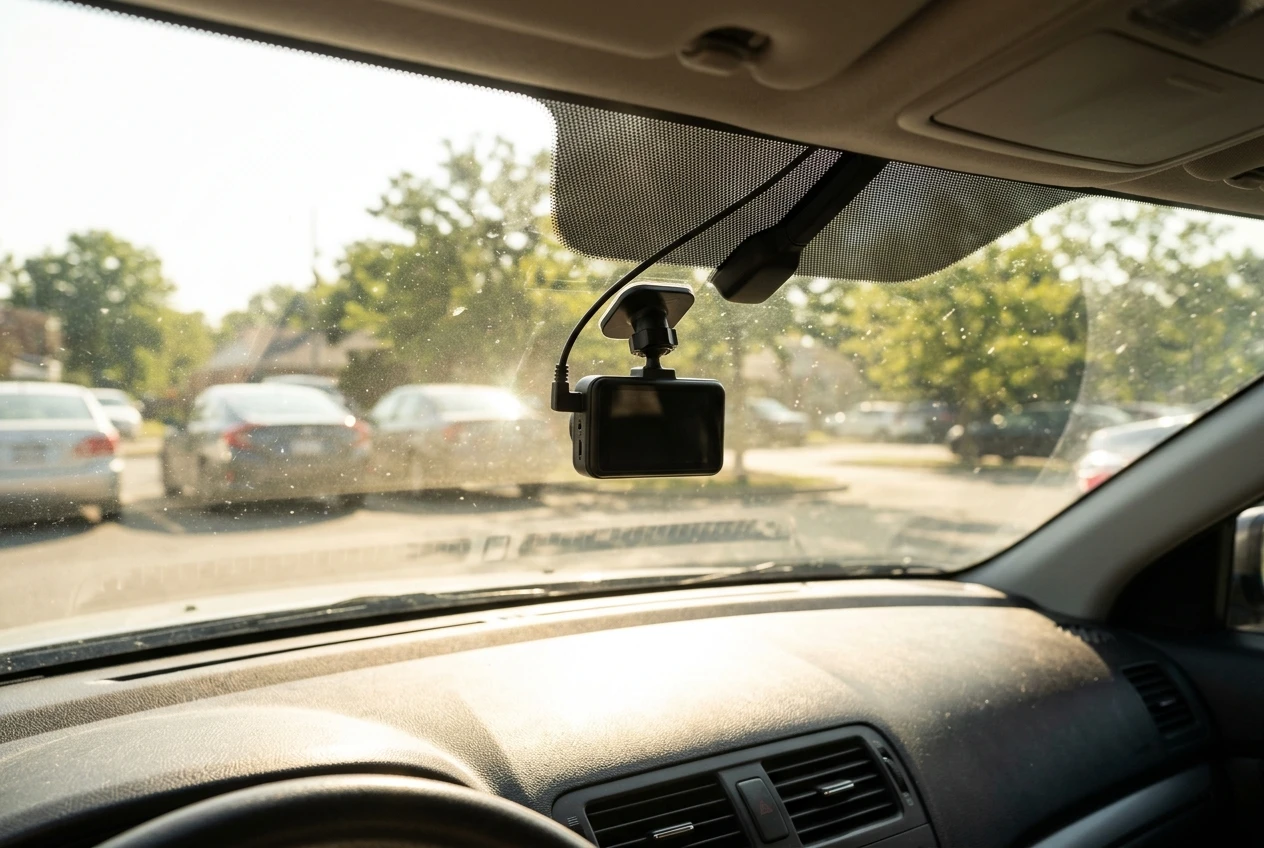
Heat tolerance mostly comes down to two things on the spec sheet: how the camera stores the small amount of power it needs to close a file when the car’s power cuts, and its stated temperature ranges.
Cameras generally use one of two designs. A supercapacitor holds a brief charge and handles repeated heat cycles well. A lithium-ion battery can run the camera for a short time without external power, but lithium cells degrade faster in sustained high temperatures, and a swollen or weakened battery is a common reason older dash cams stop recording.
Which design a camera uses varies by model within each brand, so read the spec sheet for the specific camera rather than assuming from the brand name.
What to compare on each spec sheet
What to check | Why it matters | Where to find it |
|---|---|---|
Power storage type (supercapacitor or battery) | Batteries tend to wear faster in heat | Spec sheet or manual |
Operating temperature range | The range the camera is designed to record in | Spec sheet |
Storage temperature range | Often a separate, wider figure for a parked car | Spec sheet |
Mount type (adhesive or suction) | Suction mounts can loosen as the cup material ages | Product page, manual |
Included power cable | A thin or poorly fitted cable is a common weak point | Box contents list |
The two temperature figures are different. A camera can be rated to record up to a certain temperature and survive a different one while switched off. If you park outside in a hot climate, the storage rating is the number to look at.
Compare like with like. Putting a flagship model from one brand against an entry model from the other tells you about price tiers, not durability. Pick the two models you are actually choosing between and read both sheets side by side.
Mounting deserves a second look. An adhesive mount that stays put is usually more dependable than a suction cup that can drop the camera onto the dash after a few hot summers. Check how each model attaches and whether replacement mounts are sold.
Which app is less frustrating to use week after week?
The less frustrating app is the one that connects on the first tap and does not need re-pairing after a phone update. Can you relate? A spec sheet cannot tell you that, so you have to look at other evidence.
Both brands use a direct Wi-Fi link between phone and camera. The camera acts as its own small network, and your phone joins it. That design explains many of the complaints drivers have about dash cam apps in general: phones may drop the connection because the network has no internet, or they switch back to home Wi-Fi in the driveway.
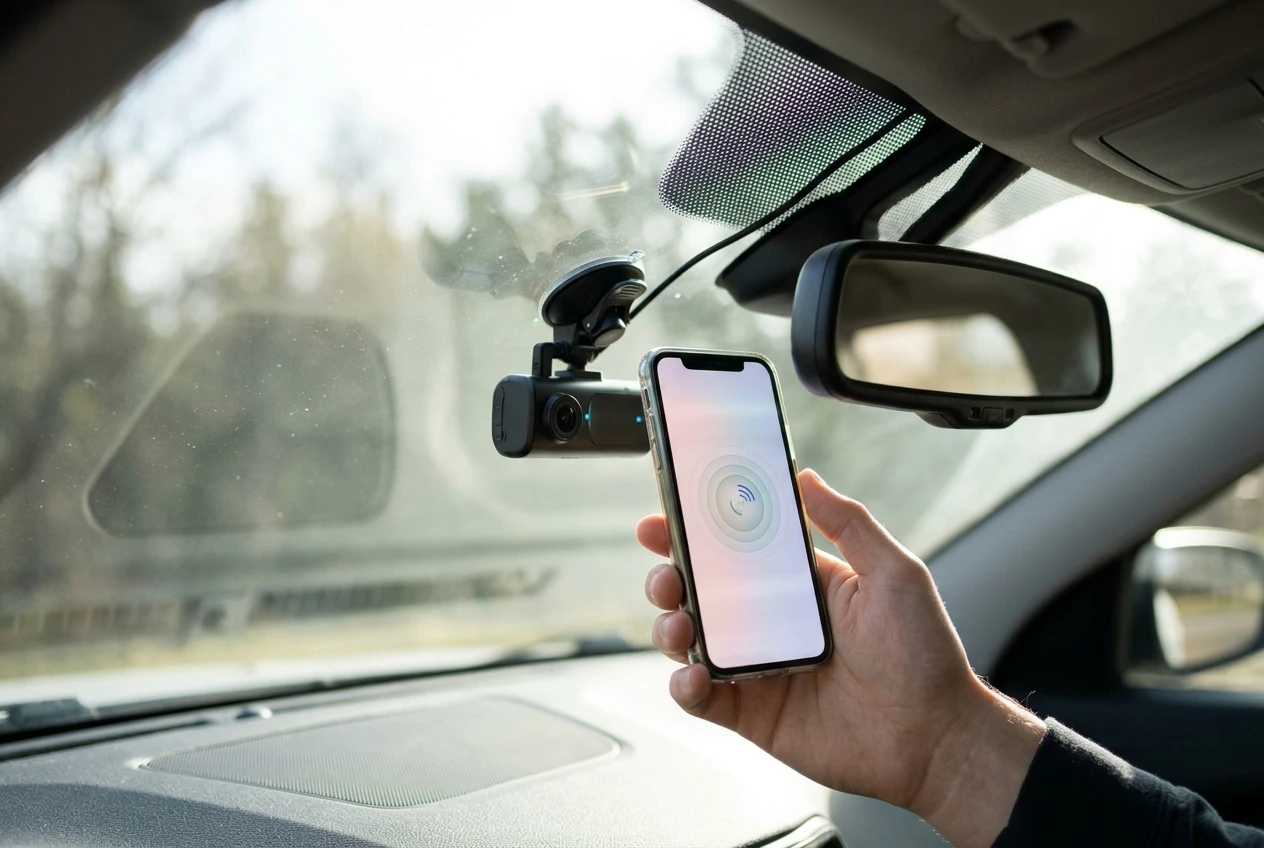
Here is how to judge an app before you buy:
- Sort app store reviews by newest. Look for repeated reports of dropped connections or failed pairing after phone operating system updates. A single angry review means little; the same complaint across months means something.
- Check the update history in the store listing. An app updated regularly is being kept compatible with new phones.
- Confirm the camera records without the app. A camera that records and saves incidents on its own turns an app failure into an inconvenience rather than lost footage.
- Check how fast transfers are. Pulling large video files over a camera’s Wi-Fi link is slow. For clips you need to keep, a card reader and a computer is quicker and more dependable.
Treat the app as a convenience for viewing and sharing clips, not as the thing that keeps the camera working. If one model needs the app for basic settings and the other has physical controls or a screen, that is worth weighing, because you will eventually need to change a setting when the phone connection is not cooperating.
How do both brands handle firmware updates, memory cards and file errors?
This is another important question that needs to be addressed, so here goes. Firmware support shows up on the manufacturer’s download page, and memory card care is partly the brand’s job and partly yours. Both areas decide how a camera behaves in its third and fourth year.
Firmware
Open the support page for each camera you are considering and look at three things:
- The date of the most recent firmware release for that model.
- Whether the release notes describe actual fixes, such as connection stability or file handling, rather than just version numbers.
- How updates are installed: through the app, or by copying a file onto the card and restarting the camera.
A model with no updates for a long stretch may simply be finished and stable, but it may also be forgotten. Release notes that mention fixes are a better sign than a long list of versions. If the update process requires the phone app, the app’s reliability becomes part of the camera’s reliability.
Memory cards
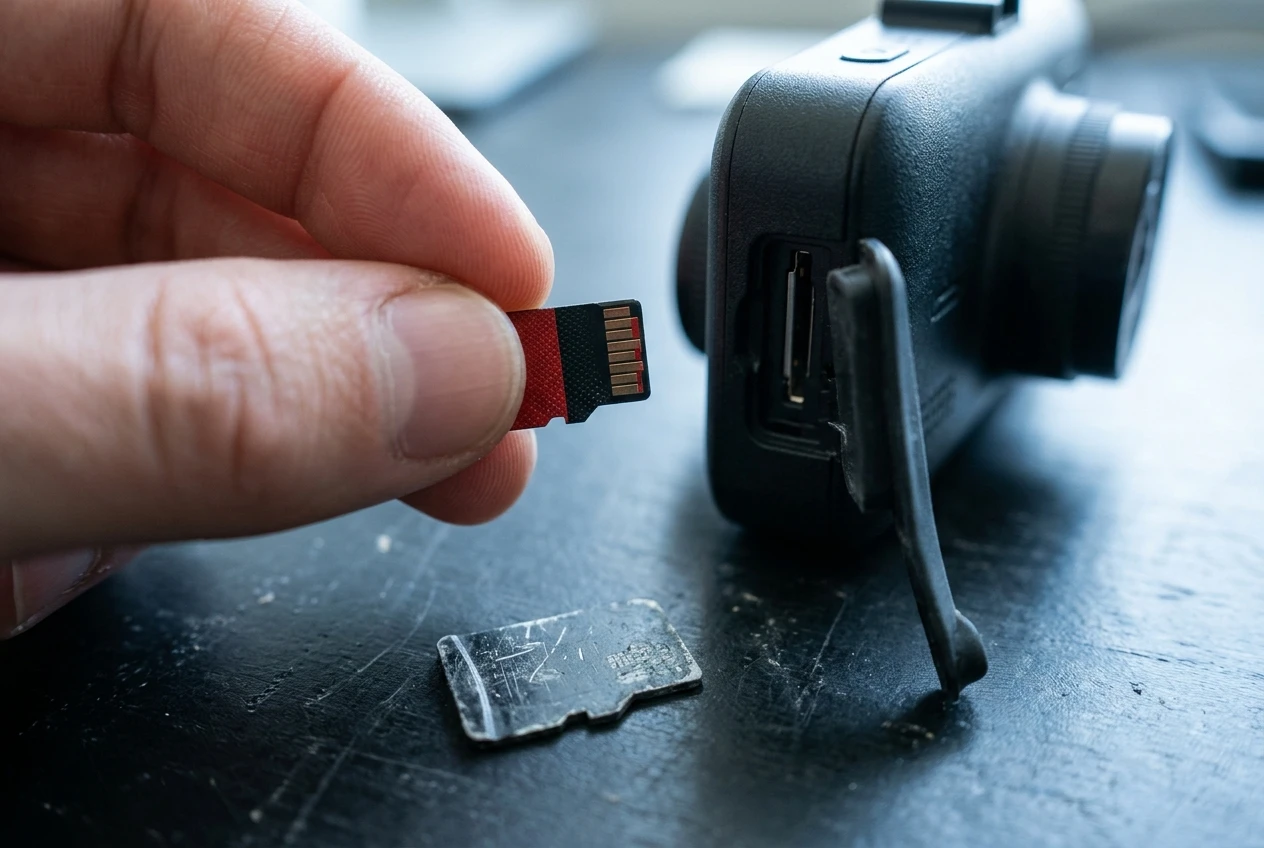
A dash cam writes to its card almost constantly, which wears flash memory faster than a phone or camera does. Use a card sold as high endurance, which is made for continuous recording, and take its stated endurance rating seriously. The ratings are usually given in hours of recording.
Practical habits that apply to both brands:
- Format the card in the camera, not on a computer, using the format option in the camera’s menu.
- Reformat on a regular schedule. The manual for your camera will say how often the manufacturer recommends this.
- Treat the card as a part that wears out and replace it on a schedule based on its endurance rating, not after it fails.
- Buy cards from reputable sellers, since counterfeit cards are sold with inflated capacities and fail early.
For more on capacity and file management, the guide on maximizing dash cam storage covers the practical side.
File errors
Corrupted files usually show up when you need them most. Check the manual for how each camera warns you about card problems: a voice prompt, an on-screen message or a flashing light. A camera that tells you clearly that the card has failed is more dependable than one that keeps appearing to record. After installation, pull a clip, play it on a computer, and repeat that check every so often.
What do the warranties and support options really cover?
A warranty only helps if its terms fit how dash cams actually fail. Warranty length is the number everyone reads, but the exclusions and the claim process matter more.
I have not listed warranty lengths for either brand because they differ by model, country and retailer and can change. Read the current terms on each manufacturer’s site for your region and compare these points:
- Length and start date. Does it run from the purchase date, and do you need proof of purchase?
- Authorized retailers. Some manufacturers only honor the warranty for cameras bought from approved sellers.
- What is excluded. Look for wording about heat, water, improper installation, or third-party power cables.
- Accessories. Check whether the memory card, power cable and mounts are covered or treated as consumables.
- Who pays for shipping. If you pay to send a camera abroad, a cheap fix becomes expensive.
- How you contact support. Look for a phone number, email form or chat, and whether the support page has current manuals and firmware.
- Registration. Some warranties require you to register the camera after purchase.
Since heat is the main threat to a windshield camera, read the exclusions carefully. If a warranty excludes damage from operating outside the rated temperature range, then the operating range from the spec sheet becomes part of your coverage, not just a number.
Does cloud access change the reliability picture?
Cloud access adds a second way to keep footage, but it also adds more things that can fail. A clip uploaded off the camera survives theft or card failure, and it can alert you to an incident while you are away.
The cost is dependency. Cloud features need a connection for the camera, usually a mobile hotspot or a built-in data connection depending on the model, plus an account and often a subscription. If any of those lapse, the cloud features stop while the camera keeps recording to its card. Whether cloud features exist at all differs by model, so check the exact camera on each brand’s site.
If you are weighing this, read our breakdown of whether a cloud dash cam subscription is worth it. Judge cloud as an extra layer, not as the reason a camera is dependable. The local recording, the card and the power design still carry the load.
Which one suits which driver, and where do parking mode and wiring fit in?
Match the camera to your conditions, then compare the two models on the points above. These pairings follow from the criteria, not from a verdict on either brand:
- You park outside in a hot climate. Prioritize supercapacitor power storage and the storage temperature rating, then confirm the warranty does not exclude heat.
- You use the app often to review and share clips. Spend time reading recent app reviews and the app’s update history.
- You want a camera you can ignore. Favor the model with physical controls, clear card error warnings and an active firmware history.
- You want footage protected even if the camera is stolen. Cloud features matter, so check that your model supports them and what they cost.
Parking mode is where durability and power meet. Recording while the car is off needs a hardwire kit or a dedicated battery, and it puts extra thermal and electrical load on the camera. Before you commit, read how dash cam parking mode works and whether your car battery can handle it, since a drained battery is a separate failure from a worn-out camera.
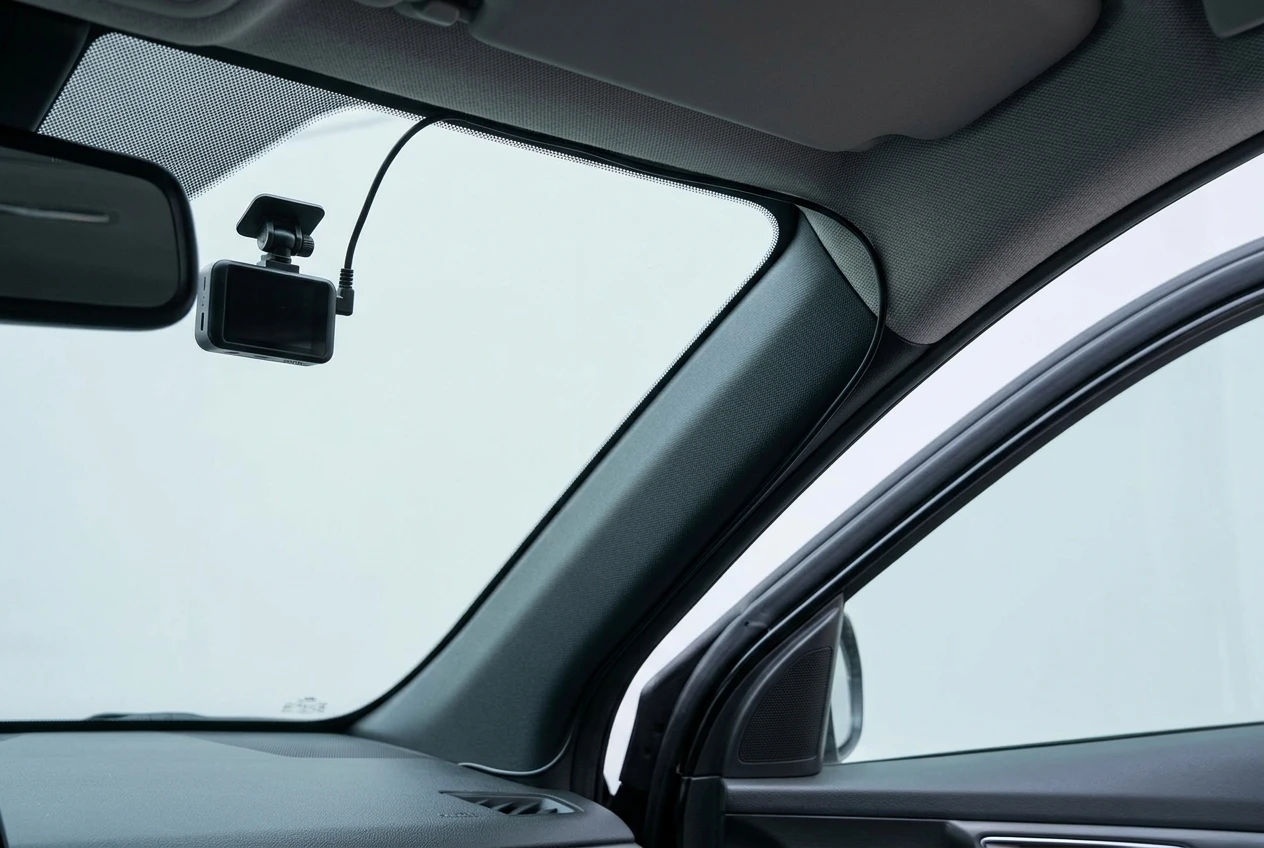
Wiring is the other half. A tidy, correctly routed cable is less likely to loosen, rub through or be pulled out by accident, which protects the camera’s power supply. If you plan a permanent install, the guide on how to hide dash cam wires shows how to route the cable so it looks factory-fitted.
Where can you read more head-to-head brand comparisons?
If you are still narrowing down brands, two other comparisons on this site look at different pairings. Garmin Dash Cam 66W vs Nextbase 522GW compares two specific models on features and everyday use. VIOFO vs Thinkware looks at two other brands that appeal to buyers who want something more dependable than a budget camera.
For a decision between BlackVue and Nextbase, bring the same checklist to each model’s own pages: power storage type, temperature ratings, app reviews, firmware dates, card care and warranty terms. The camera that holds up best on those points is the one most likely to still be recording when you need it.