

Dash cam parking mode keeps the camera watching after you switch the car off, recording when it detects motion, an impact, or continuously as a low-frame-rate time-lapse. Your car battery can handle it if the camera’s daily energy use stays well below the battery’s capacity and a voltage cutoff stops the camera before the car cannot start.
What does dash cam parking mode actually do when the engine is off?
Parking mode puts the dash cam into a low-activity state while the car is off, then wakes it to record when a trigger fires. Without it, most dash cams shut down with the ignition and see nothing that happens to a parked car: a door ding in a car park, a scrape from a reversing van, a break-in.
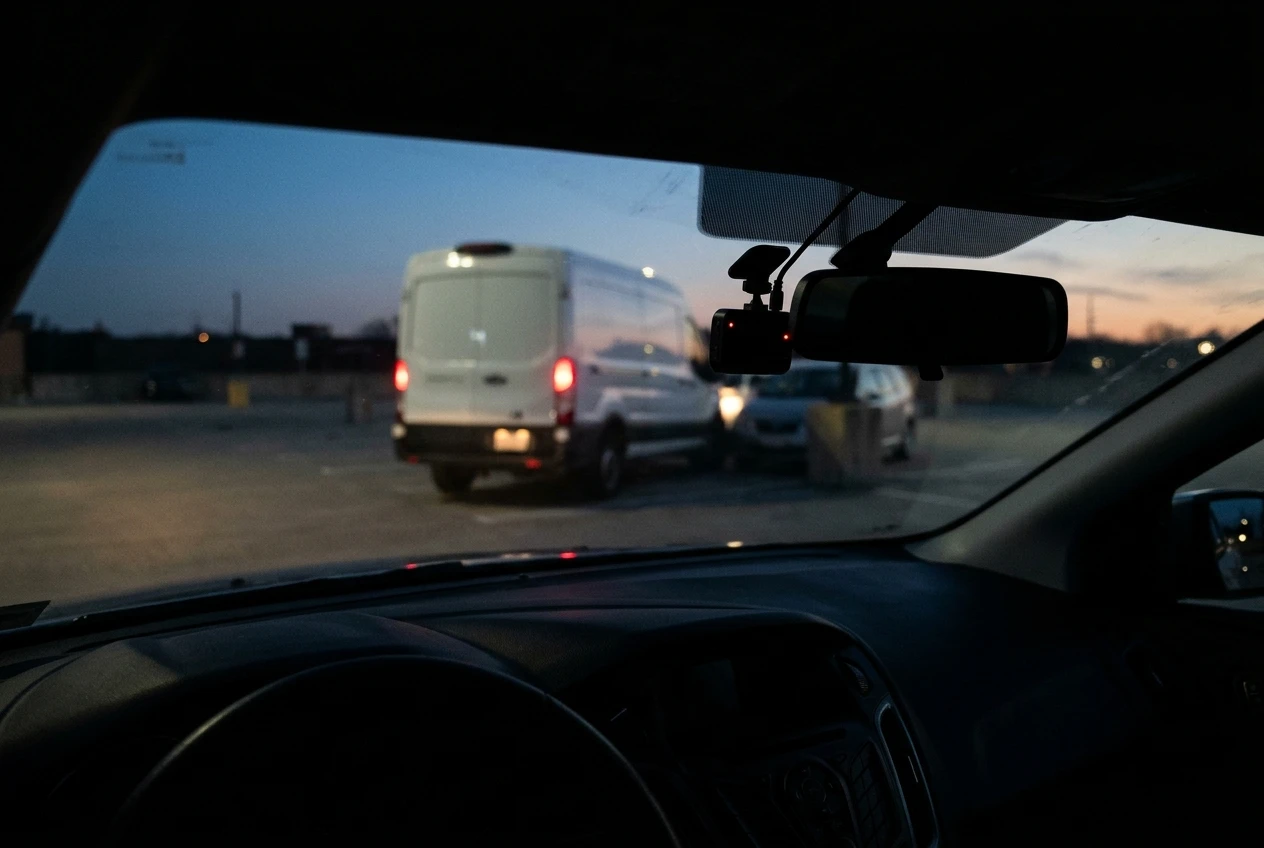
The camera still needs electricity during this time, and that is the source of the battery question. The camera cannot run from its own small internal battery or capacitor for long, so it draws from the car’s battery, from a separate battery pack, or it does not run at all. Every setup decision below comes back to where that power comes from and when it is cut.
Parking mode is usually a setting you switch on in the camera’s menu, and it also depends on the camera receiving power while the car is off. Turning it on in the menu does nothing if the power cable goes dead with the ignition.
Which parking mode fits where you park: motion detection, impact detection or time-lapse?
The right mode depends on how busy your parking spot is and how much battery and memory card space you can spare. Most dash cams with parking mode offer some or all of three types, and models differ in the exact names and options.
Mode What triggers recording Best for Main drawback Motion detection Movement in front of the lens Quiet driveways and private garages Busy streets cause constant triggers Impact detection The G-sensor feels a bump or vibration Public car parks and street parking Records only after contact, so it may miss the approach or a break-in with no jolt Time-lapse Nothing; it records continuously at a reduced frame rate Long stays where you want the full sequence Uses the most power and storage of the three
Motion detection
The camera watches its own image and starts recording when something moves in view. It captures people walking up to the car, which impact detection cannot. On a street with pedestrians and passing traffic, it can fire all day and fill the card with footage of strangers walking by.
Impact detection
The G-sensor sits idle until it feels a knock or vibration above a sensitivity threshold you set. The camera then wakes and saves a clip. It draws the least power of the three because most of the camera sleeps. Some models save a few seconds from before the trigger and some do not, so check your manual before relying on it to show what caused a bump.
Time-lapse
The camera records constantly but at a much lower frame rate than normal driving, often one frame per second or similar depending on the model. The footage is compressed into a short playback, so a full day of parking takes up far less card space than normal recording. Because the camera is always working, it draws more than impact detection and more heat builds up in the unit.
Many cameras also offer a hybrid, such as time-lapse that switches to full-rate recording when the G-sensor fires. If yours does, that is often a sensible middle choice for public car parks.
How does a dash cam get power when the car is switched off?
A dash cam needs a power source that stays live with the ignition off, and there are four common options, each with different battery consequences.
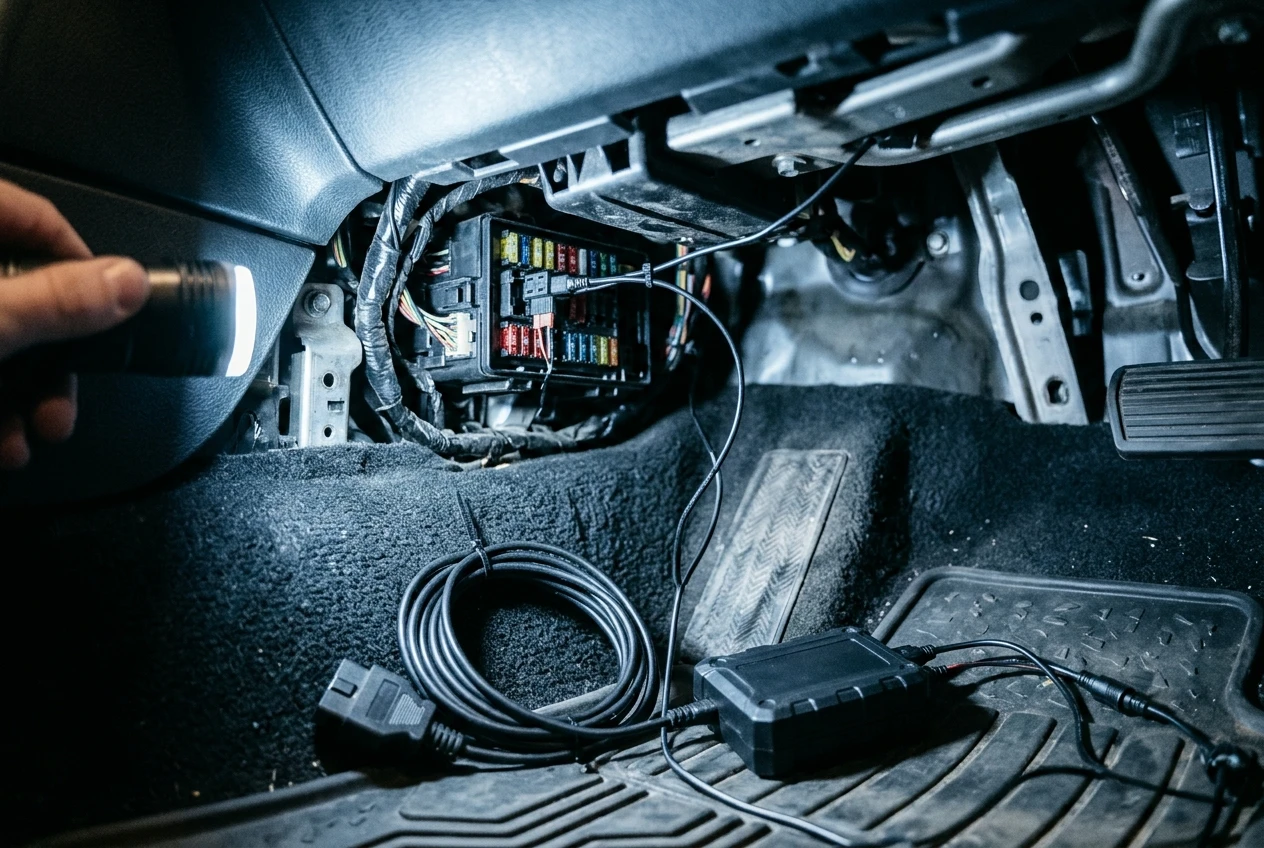
- Hardwire kit: Wired into the fuse box, usually with one connection to a constant-power fuse and one to a switched fuse. Most kits include a voltage monitor that cuts power at a set level. Our guide to dash cam hardwire kits covers the trade-offs in detail.
- OBD-port cable: Plugs into the car’s diagnostic port and draws constant power, and many versions include a voltage cutoff too. It needs no fuse box work, though not every car keeps that port powered when parked.
- Dedicated dash cam battery pack: A separate battery charges while you drive and runs the camera when you park, so the car’s starter battery is not involved. It costs more but removes the risk to the car’s battery.
- Cigarette lighter or accessory socket: Often switches off with the ignition, which means no parking mode. In some cars the socket stays live, and in that case the camera has no cutoff of its own and will drain the battery until something stops it.
If your camera runs off a socket that stays live, check whether the camera itself has a low-voltage cutoff. Without one, nothing protects the battery.
Can your car battery handle parking mode? A quick way to work it out
Your battery can handle parking mode when the camera’s total draw over your longest typical parking period uses only a small fraction of the battery’s capacity. You can check this in five steps with numbers from your camera’s manual and your battery’s label.

- Find the camera’s power draw in parking mode. Look in the manual or on the manufacturer’s page for watts or amps. Dual channel setups with a rear camera draw more than single cameras. If only the normal recording figure is listed, treat it as an upper estimate for parking mode.
- Convert watts to amps. Divide the watts by 12 (a car’s nominal voltage). A 5 W draw is about 0.42 A.
- Multiply by your longest typical parking time in hours. At 0.42 A for 10 hours, that is about 4.2 amp-hours (Ah).
- Find your battery’s capacity. It is printed on the label in Ah. Suppose it is 50 Ah.
- Compare with a safe budget. A starter battery is built to deliver a burst of current to crank the engine, not to be run down deeply. As a cautious planning figure, not a manufacturer rule, budget no more than about 20 percent of the capacity for the dash cam. On a 50 Ah battery that is 10 Ah.
In that example, 4.2 Ah fits comfortably inside 10 Ah. But stretch the same camera across a 48-hour weekend and it needs about 20 Ah, double the budget. All the figures here are illustrative, so replace them with your own.
Two things reduce your real margin. The car already draws a small current while parked for its alarm, clock and control units, so the dash cam is added on top. And an older battery holds less than its label says, and cold weather reduces what a battery can deliver. If your battery is several years old, or you mostly make short trips that do not fully recharge it, shrink your budget further.
If the numbers do not fit, you have three choices: shorten the time the camera runs in parking mode, pick a lower-draw mode such as impact detection, or move to a separate battery pack. If you have already had a flat battery after fitting a camera, our post on dealing with battery drain issues in dash cams is the place to diagnose it.
What is low-voltage cutoff and how should you set it?
Low-voltage cutoff is a setting that turns the dash cam off when the car battery’s voltage falls to a chosen level, so enough charge remains to start the engine. It is the main safeguard in any parking mode setup, and it usually lives in the hardwire kit or OBD cable, or sometimes in the camera menu.
Voltage tracks the battery’s state of charge. A healthy, fully charged car battery at rest reads about 12.6 V, and the figure falls as the battery empties. A higher cutoff stops the camera sooner and leaves more charge for starting. A lower cutoff gives longer recording but a thinner safety margin.
Many kits offer a few preset levels, with options often falling somewhere between about 11.6 V and 12.4 V, though the exact choices vary by product. Read your kit’s instructions, because they often describe which setting suits which situation.
A sensible way to choose:
- Choose the higher setting if the car is old, the battery is old, you live somewhere cold, or you take mostly short trips.
- Choose a middle setting for a healthy battery and regular longer drives that recharge it.
- Avoid the lowest setting unless you have a specific reason and understand the starting risk.
Some kits also include a timer that stops parking mode after a set number of hours, such as 12 or 24. This works alongside the voltage cutoff and covers the case where the battery holds its voltage but you will not be back for days. If your kit has a timer, set it to match your longest normal parking period from the calculation above.
A cutoff protects against a flat battery, but it does not stop the camera from using up a battery that is already weak. Test your battery if the car has been slow to start.
What else goes wrong with parking mode: heat, false triggers and full memory cards?
Beyond battery drain, parking mode has three common problems: heat, false triggers and a memory card that fills with unwanted clips.
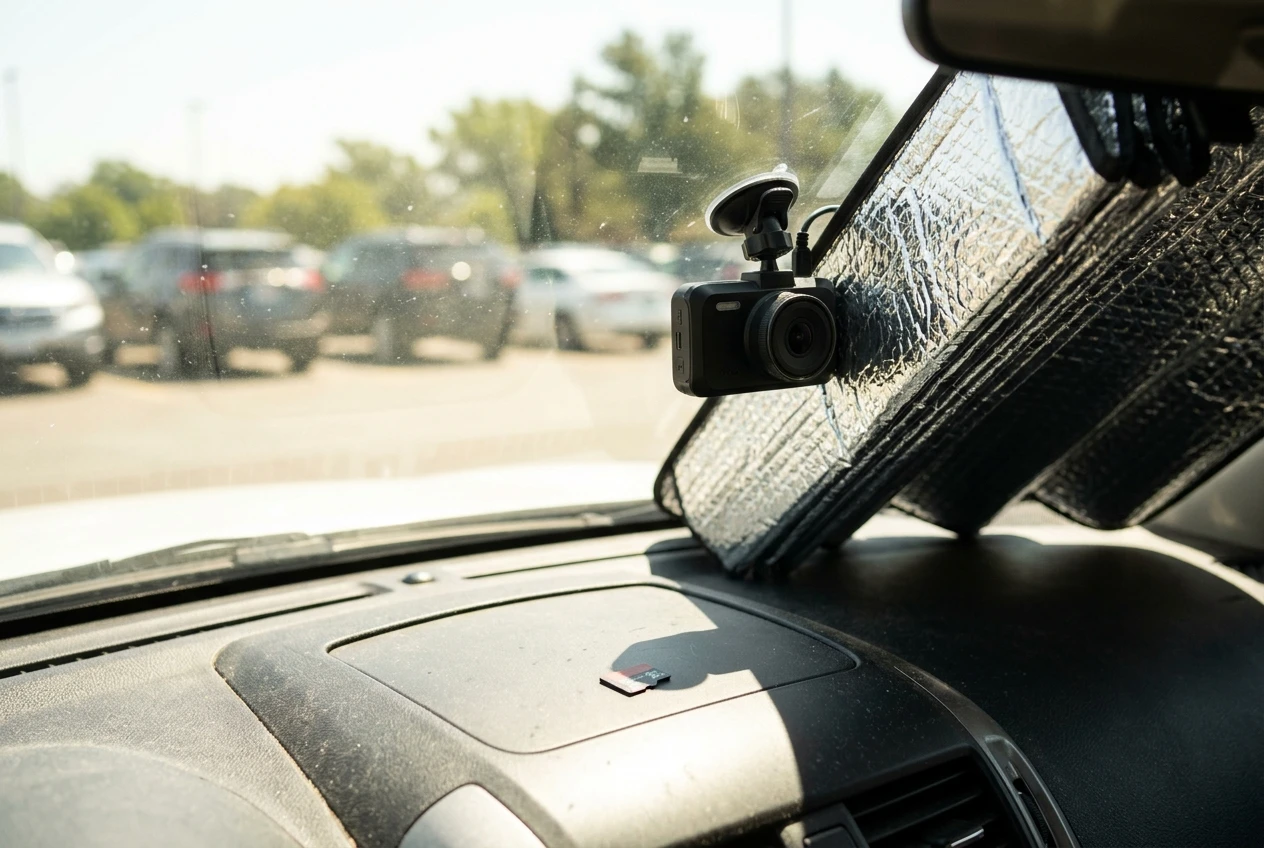
Heat. A parked car in summer sun can get very hot inside, and a camera running continuously adds its own heat. Time-lapse puts the most load on the unit, because it never sleeps. Some cameras have a temperature cutoff that shuts parking mode down above a set level, which protects the hardware but leaves the car unwatched. Parking in shade, using a windshield sun shade that does not cover the lens, and picking cameras with a supercapacitor rather than a lithium battery all help. Check your camera’s stated operating temperature range.
False triggers. Motion detection fires on passing people, animals, rain and shadows. Impact detection fires on wind, heavy lorries driving past and slammed doors nearby. Constant triggers use more power and fill the card. Lower the sensitivity one level at a time until it records real bumps but ignores traffic, and test by gently tapping the car.
Full memory cards. Parking clips are often protected from overwriting, or they pile up faster than you review them. If the card fills, the camera may stop recording or overwrite useful driving footage, depending on how the camera handles it. Use a high-endurance card made for constant rewriting, check the camera’s setting for how parking clips are stored, and clear the card or format it on a regular schedule. Our post on maximizing dash cam storage covers card sizes and file management.
Which parking mode setup should you choose for your car and your parking habits?
Pick the setup by matching your usual parking place and duration to the lowest-draw mode that still captures what you care about. These pairings follow from the sections above.
- Quiet driveway or garage, parked overnight: Motion detection or impact detection with a hardwire kit or OBD cable and a mid-level cutoff. Little passes by, so false triggers are rare.
- Street parking in a busy area: Impact detection, with sensitivity tuned down. Motion detection would fire all night.
- Public car park for a few hours at work: Impact detection or the hybrid mode if your camera has one. A short stay keeps the battery budget small.
- Long stays, such as an airport car park for days: A dedicated battery pack, or switch parking mode off. A starter battery that sits for days with a camera attached has the least margin, and your calculation will likely show it.
- Older battery or mostly short trips: Use the higher cutoff, impact detection only, and consider a battery pack so the starter battery is not involved.
Whatever you choose, run the calculation once with your own figures, set the cutoff and timer, and test the setup for a weekend while you are around to start the car. If you decide to run parking mode, read our pros and cons of dash cam hardwire kits next before you pick a power setup.