

Can high temperatures damage a dash cam battery? Yes. Sustained heat shortens the life of the lithium-ion cells inside many dash cams, reduces their capacity and can make them swell. Supercapacitor models handle heat better, but they have trade-offs of their own. Which suits you depends on your climate and how you park.
Does heat really damage a lithium-ion dash cam battery?
Yes, heat is one of the main things that wears out a lithium-ion battery. The chemistry inside the cell degrades faster at high temperature, so the battery holds less charge each month and eventually stops holding enough to be useful.
A parked car in direct sun gets much hotter than the outside air, and the windshield area where a dash cam sits is among the hottest spots in the cabin. The camera’s own electronics add a little heat while recording. The battery is exposed to both, day after day, through every summer.
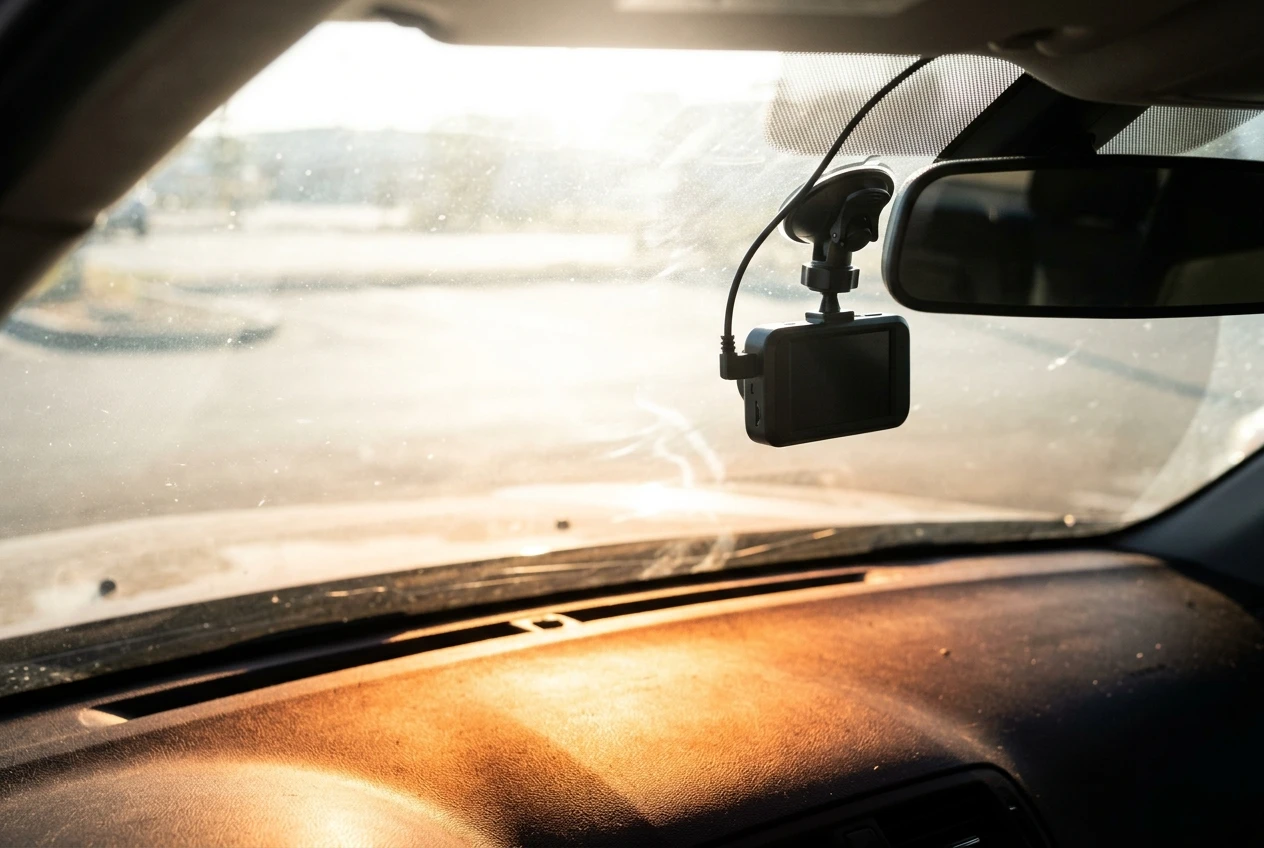
The damage tends to show up in stages:
- Reduced capacity: the camera can no longer run for long on its own battery after power is cut.
- Slow or failed charging: the cell takes longer to fill, or does not reach a full charge.
- Swelling: in worse cases, gas builds up inside the cell and the case bulges. A swollen battery is a safety problem as well as a performance one.
The internal battery in most dash cams is small. It is there to finish writing the current video file and shut the camera down cleanly when the car’s power stops, not to run the camera for hours. That makes the damage easy to miss: the camera records normally while plugged in, and the weak battery only shows itself when power drops.
How does a supercapacitor dash cam handle the same heat?
A supercapacitor handles heat better than a lithium-ion cell. It stores energy as an electric charge rather than through a chemical reaction, so it is less sensitive to high temperatures and is generally rated to cope with a wider temperature range.
That is why many heat-focused dash cams use one. Manufacturers who market a camera for hot climates usually point to this part of the design.
A supercapacitor is not unaffected by heat. Extreme temperatures still age it over time, and it can still fail. The practical difference is that its decline is usually less abrupt and the cell is less likely to swell.
The cost is capacity. A supercapacitor holds far less energy than a lithium-ion cell of similar size, which changes how the camera behaves when power is cut.
Lithium-ion vs supercapacitor in a hot car: how do they compare?
The table below puts the two designs side by side on the points that matter most for a car that sits in the sun. Exact figures vary by model, so treat it as a guide to what to look for and confirm the details on the spec sheet.
Lithium-ion | Supercapacitor | |
|---|---|---|
Heat tolerance | More sensitive. Capacity fades faster in sustained heat, and swelling is possible in worse cases. | Generally better. Rated for a wider temperature range and less prone to swelling. |
When power is cut | Can keep the camera running briefly on its own, long enough to save the file and sometimes to record a little longer. | Holds very little energy, so the camera saves the file and shuts down almost at once. |
Lifespan trade-offs | Capacity declines gradually with every charge cycle and every hot day, so the battery is usually the first part to wear out. | Typically lasts longer under repeated heat and charge cycles, but cannot run the camera without external power. |
What to check before buying | Stated operating and storage temperature range, and whether the battery is replaceable. | Whether the camera retains its clock and settings after power loss, and how parking mode is powered. |
A lithium-ion camera gives you a little flexibility, such as running briefly off the battery when you unplug it to carry it indoors. A supercapacitor camera gives you more durability in heat but needs a constant power source to do anything beyond saving its last file.
If your car sits outside in strong sun for most of the year, durability counts for more than a few minutes of battery runtime. If you live somewhere mild and want the camera to work as a portable unit, lithium-ion is a reasonable choice.
What should you look for on a dash cam’s temperature rating?
Look for two separate figures on the spec sheet: the operating temperature range and the storage temperature range. The operating range covers the camera while it is recording. The storage range covers the camera when it is switched off, which is what a parked car in the sun tests.
Some points that help when reading them:
- Check the upper limit against your climate. If the car’s cabin regularly gets hotter than the stated maximum, the camera is working outside its design range.
- Compare operating and storage figures. A camera rated well for use but poorly for storage may struggle when the car is parked.
- Note the battery type. Spec sheets often mention a supercapacitor by name. If a listing says nothing about the power backup, check the manual or ask the seller.
- Treat vague claims with caution. Phrases like “heat resistant” or “built for hot weather” mean little without a temperature range behind them.
The memory card matters too. A card that is not rated for high temperatures can fail before the camera does, so look for one sold as suitable for dash cams or surveillance use.
What are the warning signs that heat has hurt your dash cam?
The clearest sign is that the camera stops saving its last file or shuts down the moment you turn the car off. That usually means the internal battery or capacitor can no longer hold enough charge to finish the job.
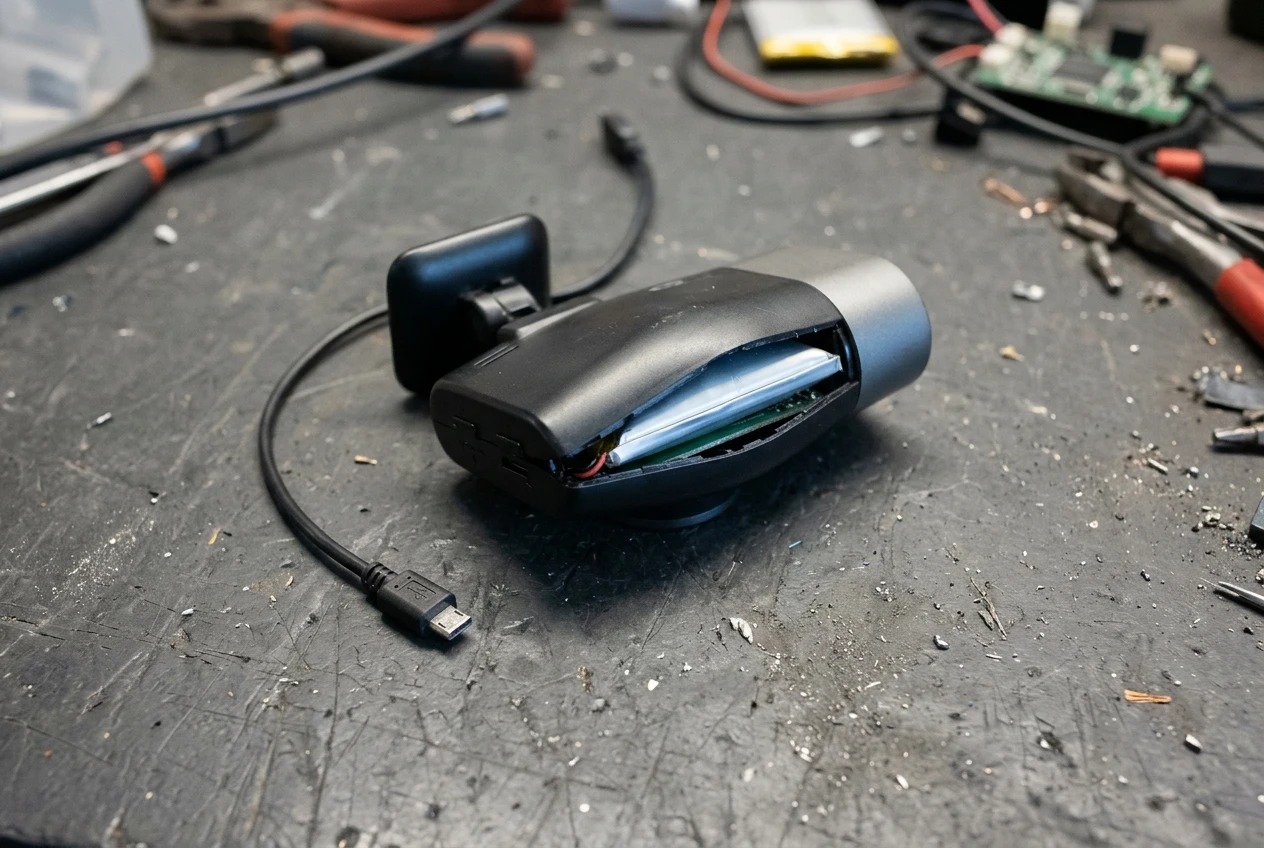
Other signs to watch for:
- Resetting date and time: the camera loses its clock every time power is removed.
- Random restarts or freezing: the camera reboots while driving, especially on hot days.
- Corrupted or missing files: the last clip before shutdown is damaged or absent.
- A warped or bulging case: this points to a swollen battery. Unplug the camera and stop using it.
- Warm to the touch even after a short drive: the camera is running hotter than it should.
- Card errors: repeated format requests can point to heat damage in the card as well as the camera.
One or two of these on a single hot day can be a temporary fault. If they repeat on cool days too, the damage is probably permanent.
How can you protect any dash cam in a hot climate?
You can reduce heat exposure for any dash cam with a few habits, whichever battery type it has. None of them cost much.
Mounting position. Place the camera behind the rear-view mirror, where it is partly shaded by the mirror housing and the tinted strip at the top of the windshield, and where it stays out of your line of sight. Check your local rules on what you may attach to the windshield before you decide on the spot.
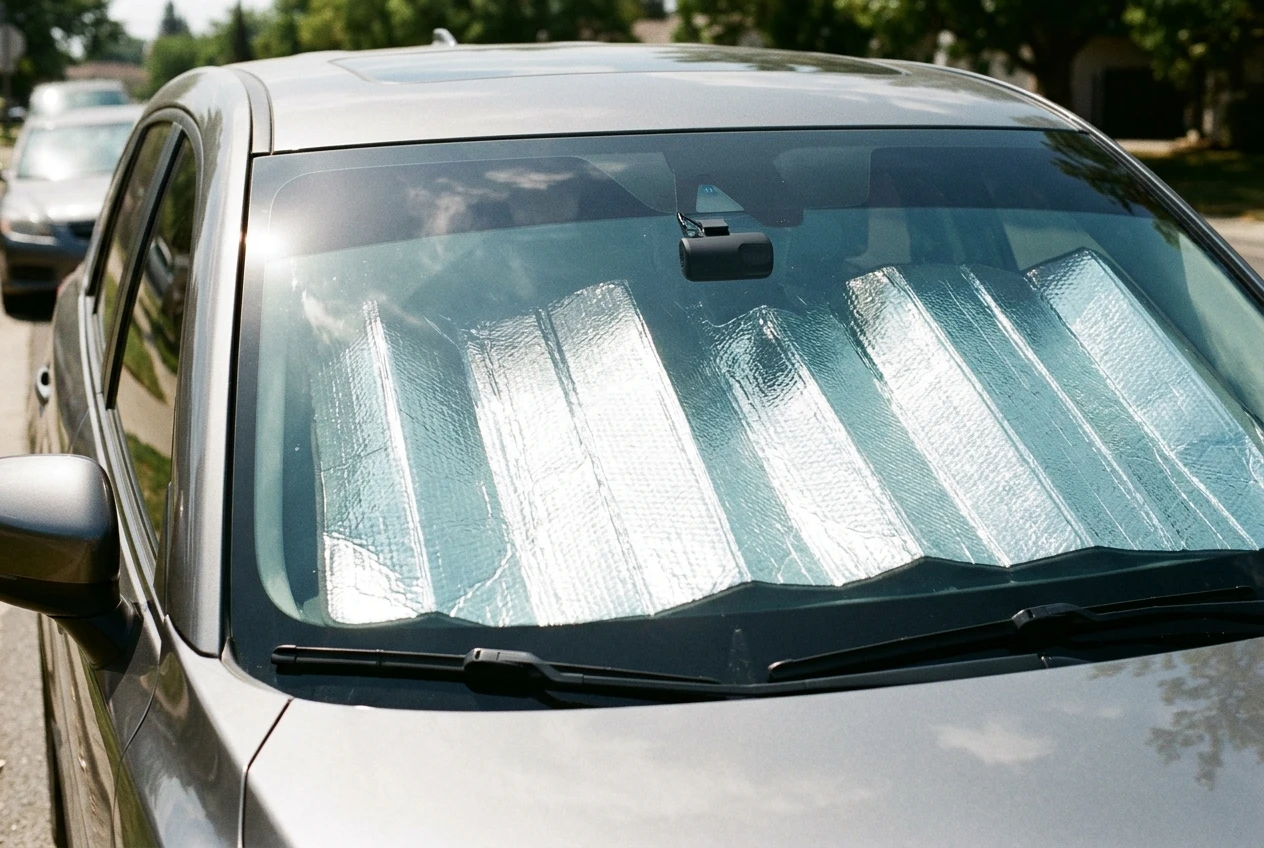
Sun shade. A reflective sun shade lowers cabin temperature when you park. If the shade rests against the camera, check it does not knock the camera loose or block the lens.
Park in shade when you can. Even partial shade reduces how hot the windshield area gets.
Take the camera with you on the hottest days. If your camera has a suction or removable mount, unclip it and keep it indoors when you will be away for hours in strong sun.
Use the right parking mode settings. Parking mode keeps the camera running while the car is off, which adds heat from the electronics at the hottest time of day. A timer or a low-voltage cutoff limits how long it runs, and some cameras let you set a temperature cutoff that switches recording off when the cabin gets too hot. Our guide to dash cam parking mode explains how the settings work and whether your car battery can handle them.
Heat damaging the camera’s own battery is a separate problem from the camera draining the car’s battery. For the second issue, see the dash cam battery drain guide.
Should you replace a heat-damaged dash cam or just fix the problem?
Replace the camera if the case is swollen or the internal battery no longer holds a charge, and fix the setup if the problem is only that the camera runs hot. A swollen battery should never stay in use, and a dead backup cell is often not worth repairing in an inexpensive camera.
A simple way to decide:
- Camera works normally on cool days, fails only in heat: improve the mounting, add a sun shade and try the other protective steps above before spending money.
- Camera resets or loses files on cool days too: the battery or capacitor is likely worn out. Check whether the manufacturer offers a replacement part or a warranty claim.
- Case is bulging or deformed: stop using it, unplug it and replace it.
- Only the memory card is failing: replace the card first, since this is the cheapest fix.
When you do replace it, use what you have learned from this one. If the old camera used lithium-ion and failed in heat, a supercapacitor model with a clear temperature rating is the sensible choice for a car that lives in the sun. If you drive mostly in mild weather and the old camera lasted for years, a lithium-ion model can still serve you well.
Either way, the temperature range on the spec sheet and the shade you give the camera do more to protect it than the battery type alone.